Design process images and updates for convergent, an italic font designed by Harmonious Type Co.
A record of the design process for convergent, a fanciful italic font based on calligraphic forms
Part 1. Rough Sketches & Planning
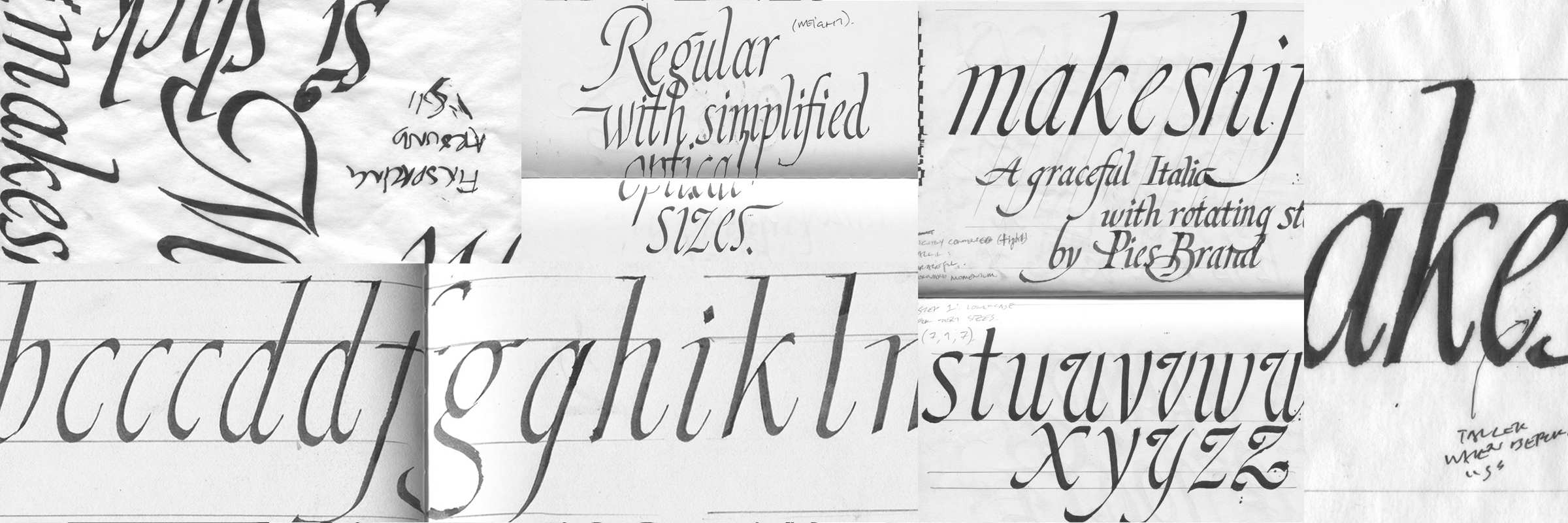
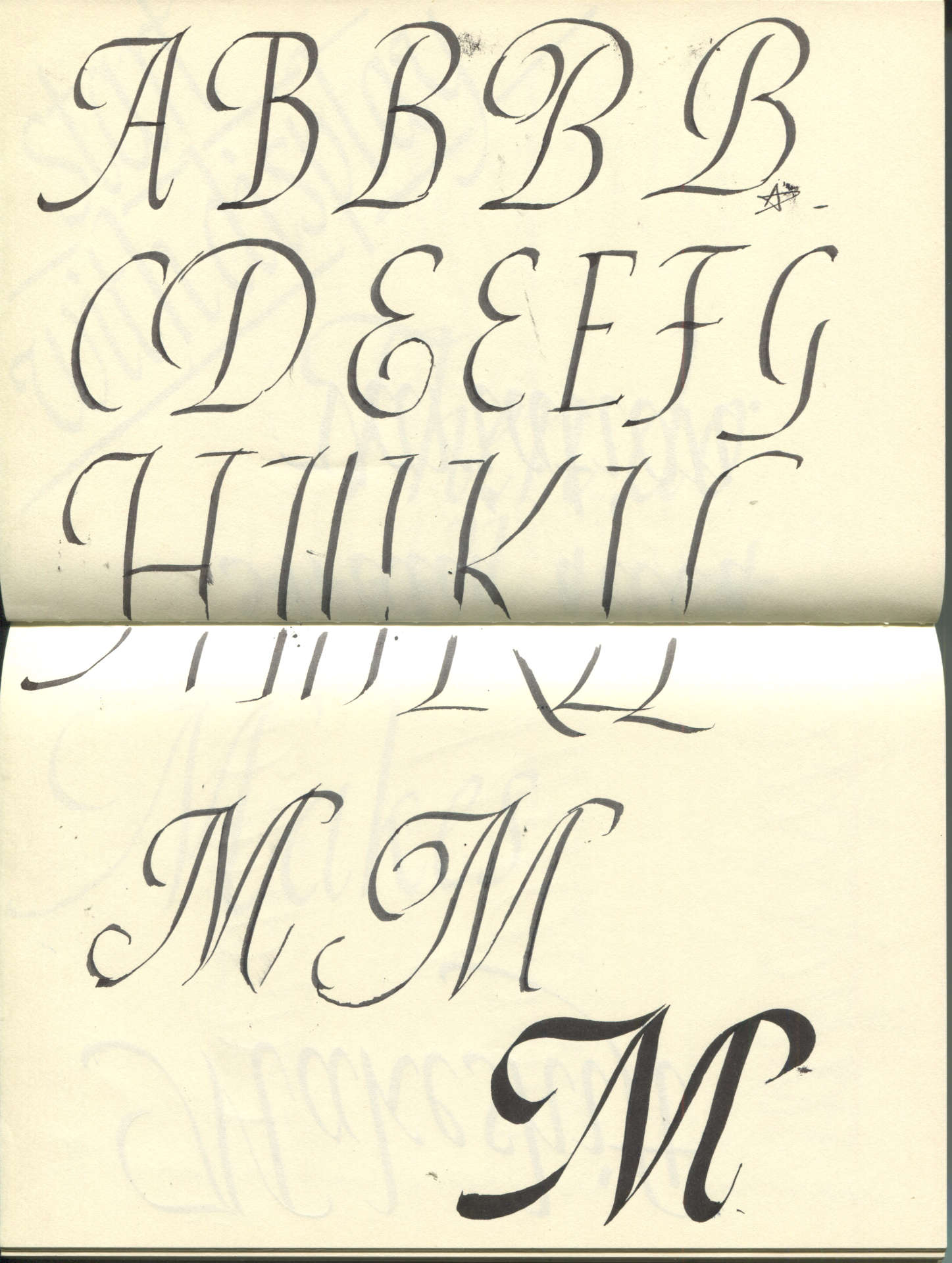
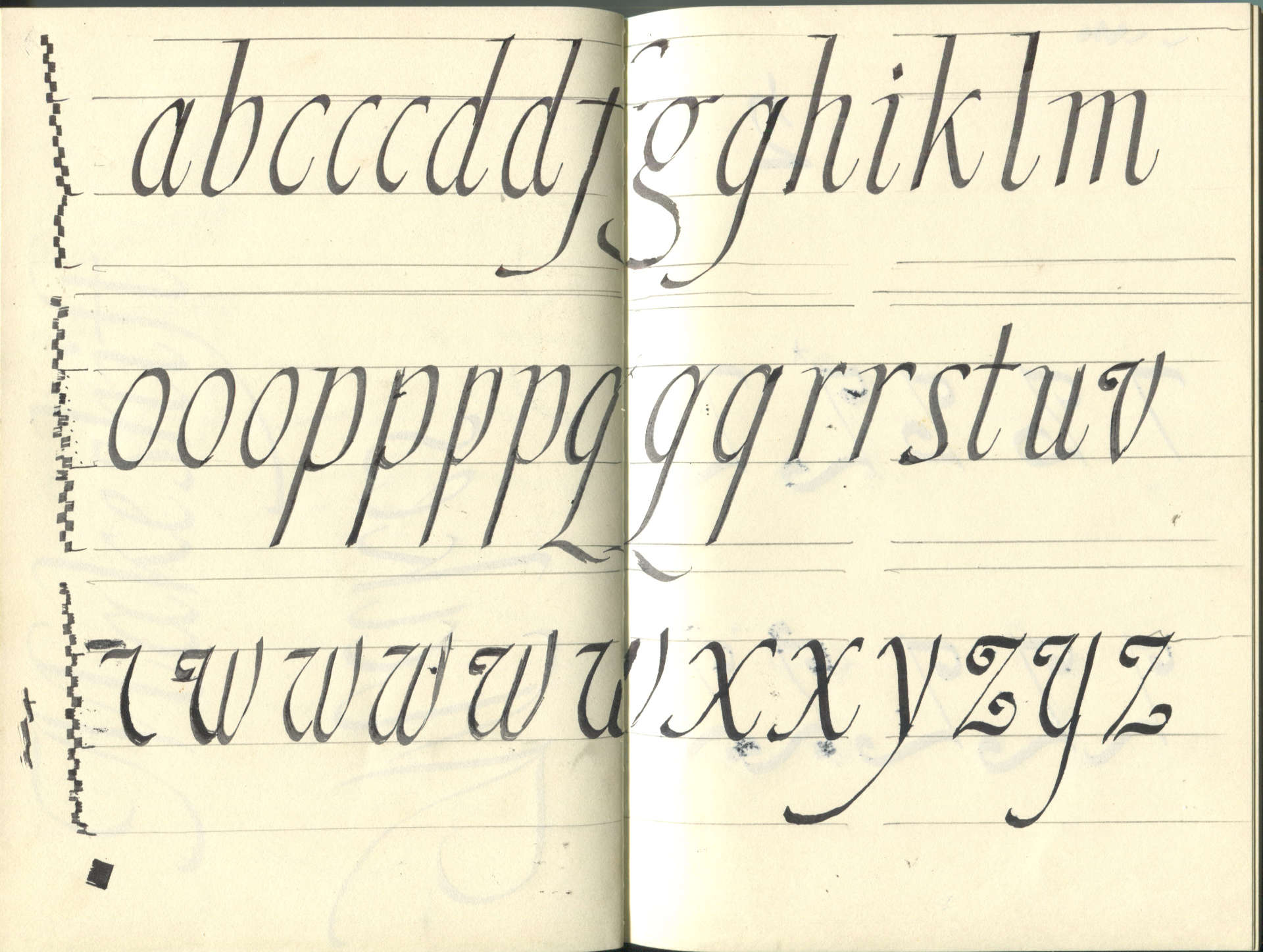
Convergent italic began with the simple goal of designing a fanciful italic font for the Harmonious Type Co. website. Currently, the font is used on this site below small-cap headers, as captions below images, and in some miscellaneous instances, like above the mailing list registration form in the website’s footer. Below are preliminary sketches and calligraphy exploring proportion, spacing, and letterform variation.
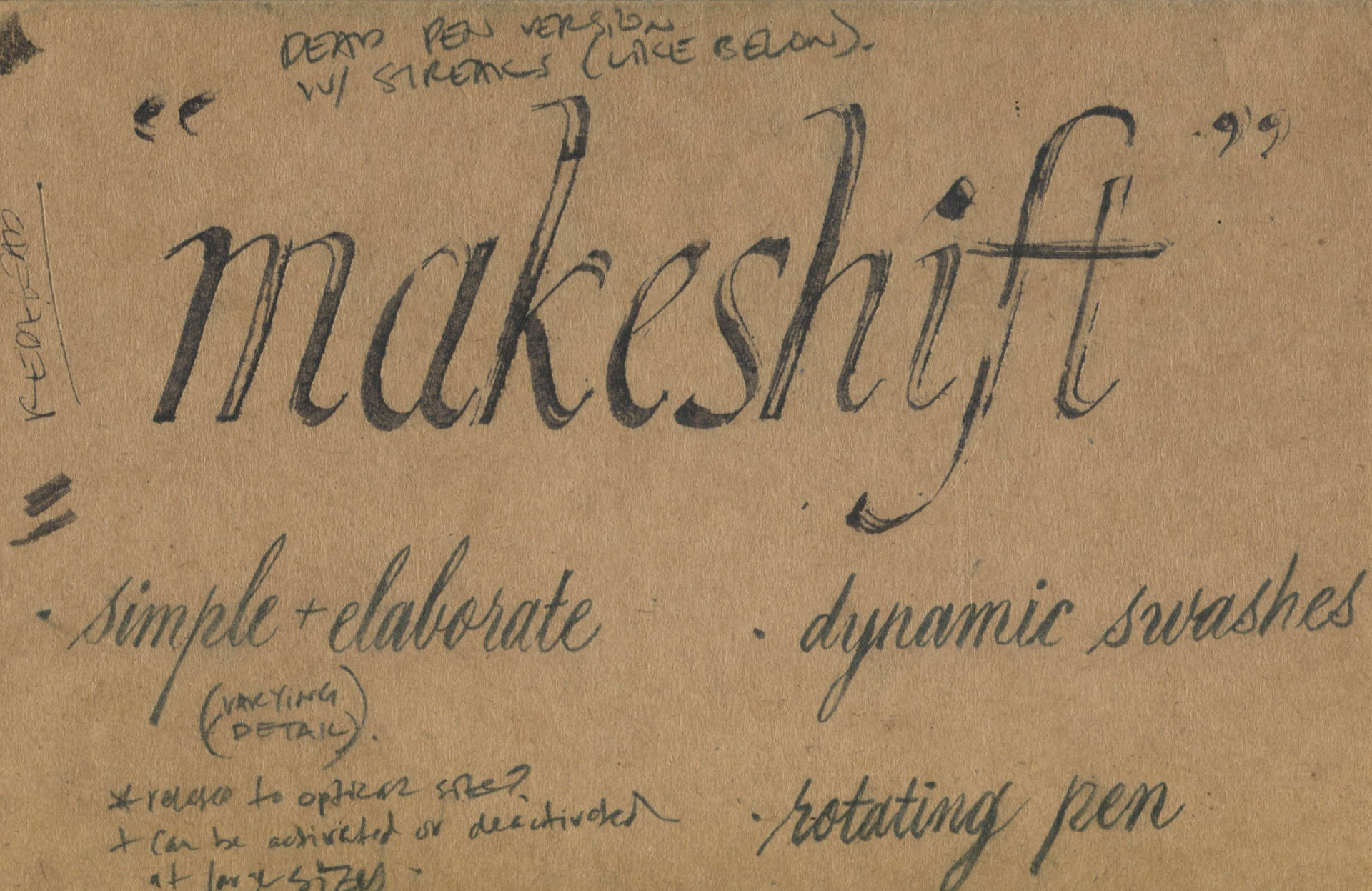
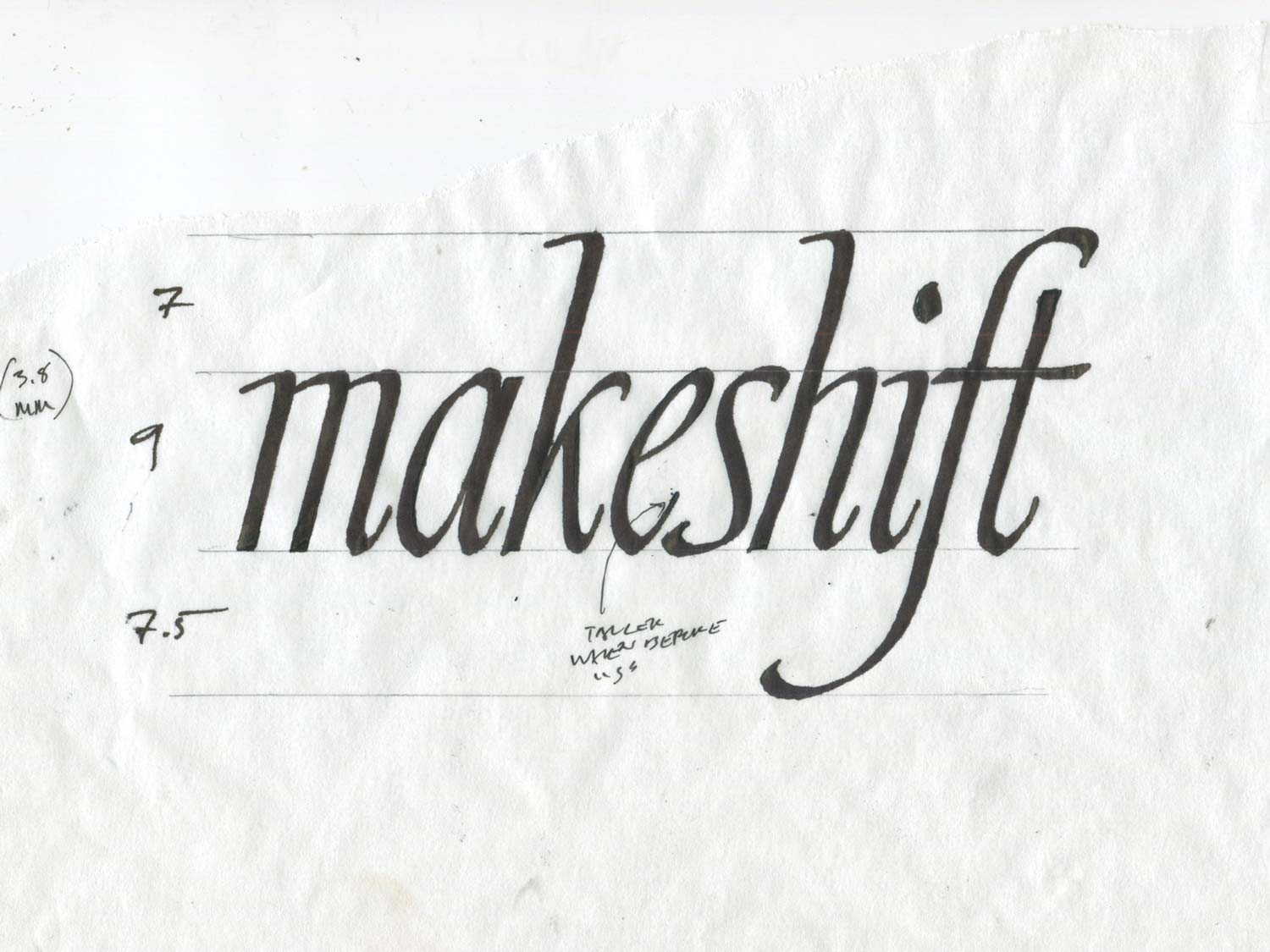
In the image below, I’m exploring using the stroke width of the broad pen to establish the height of the ascenders, lowercase letters, and descenders. The numbers 7, 9, and 7.5 to the left of ‘Makeshift’ refer to the number of pen nibs used to define the font’s proportions.
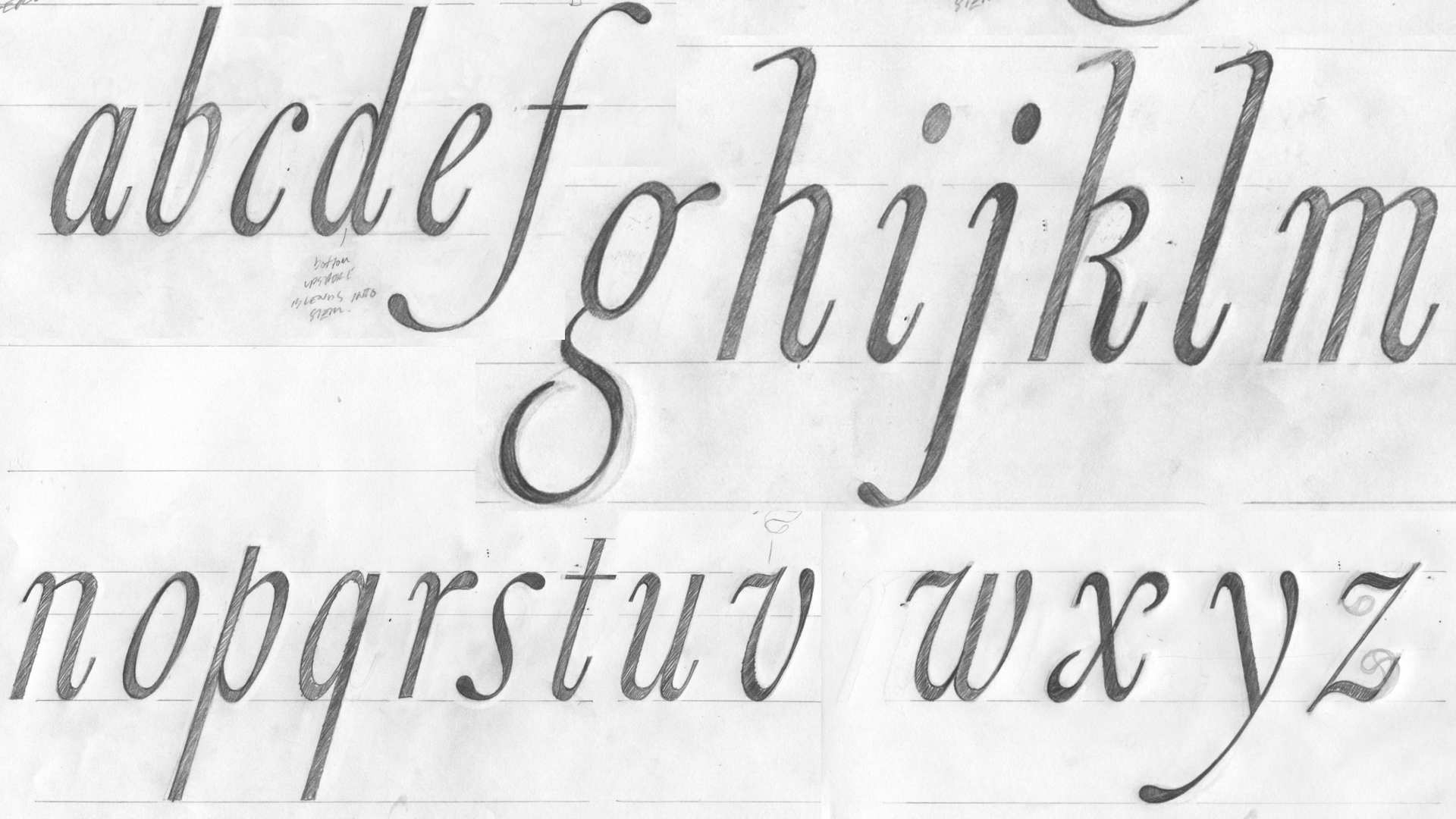
Using the proportions established in the rough calligraphy above, I created pencil sketches of the lowercase forms that attempt to define the font’s details. The sketches below consider options for the font’s terminals, ascenders, entry strokes, and general width of each form.
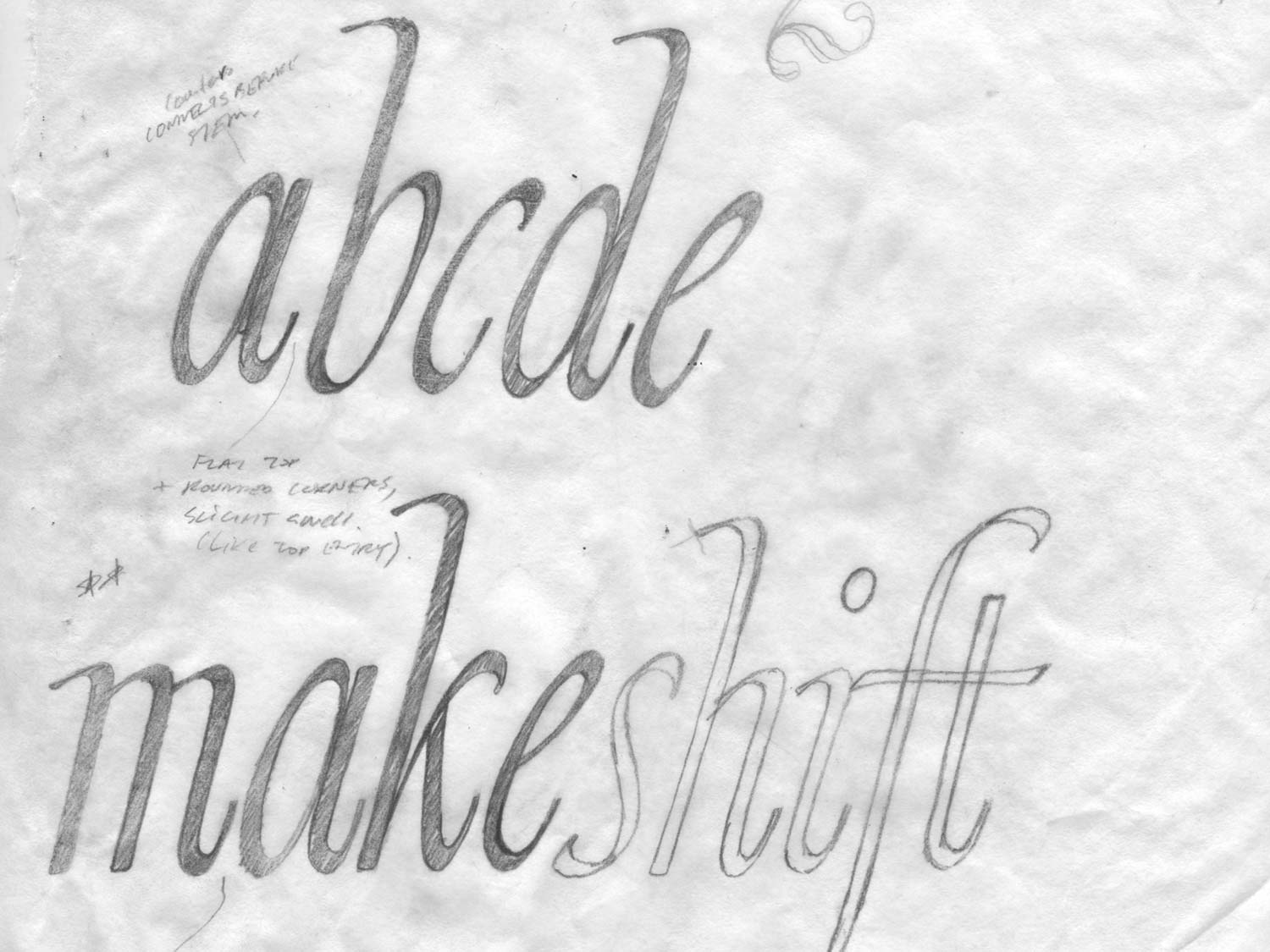
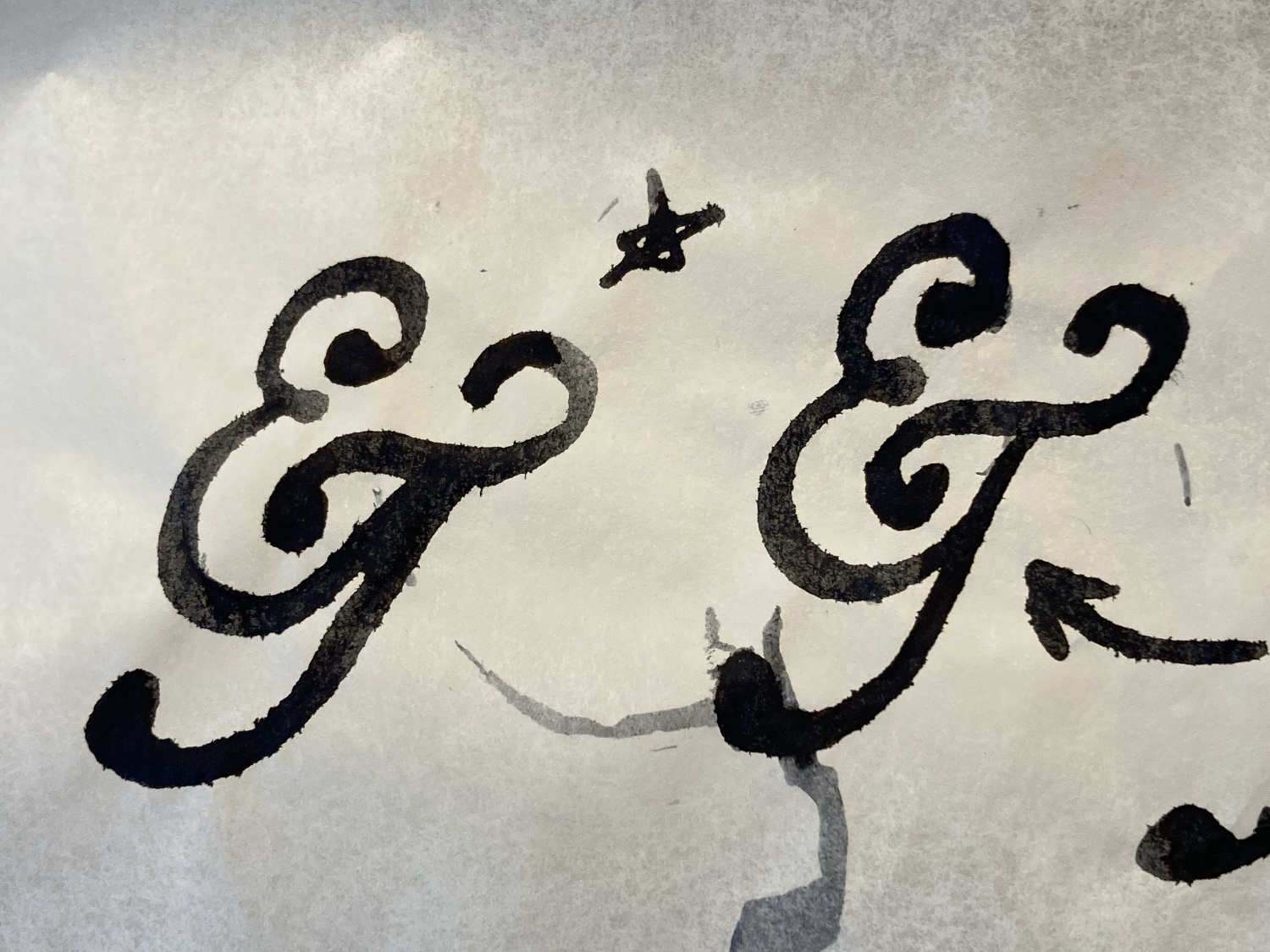
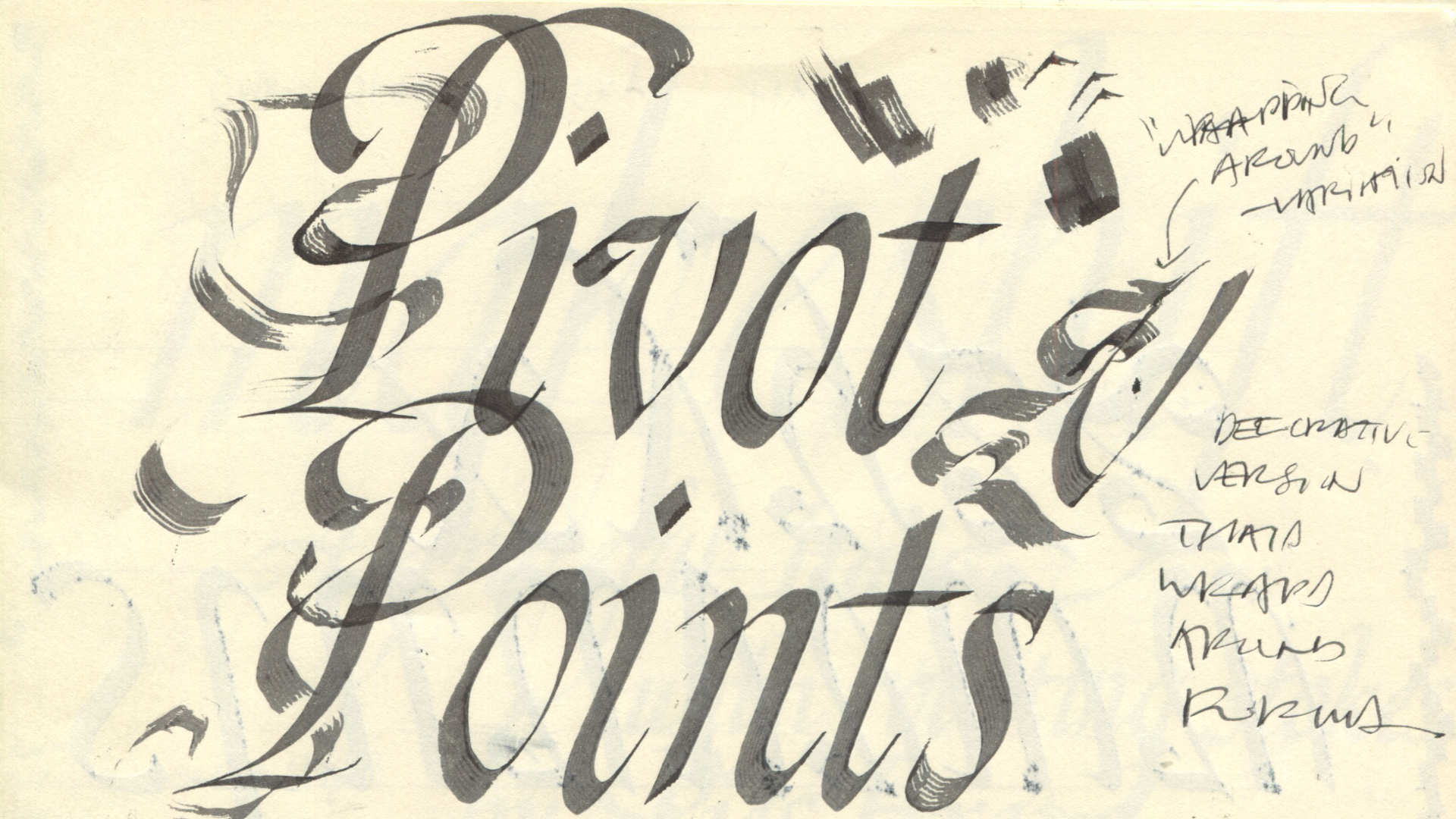
The ‘Pivot Points’ calligraphy below shows the emergence of the idea for a set of elaborate uppercase characters. I made a rough note about curves wrapping around standard letterforms—and even though the final solution is much simpler than the elaborate Ps below—it highlights a key early decision.
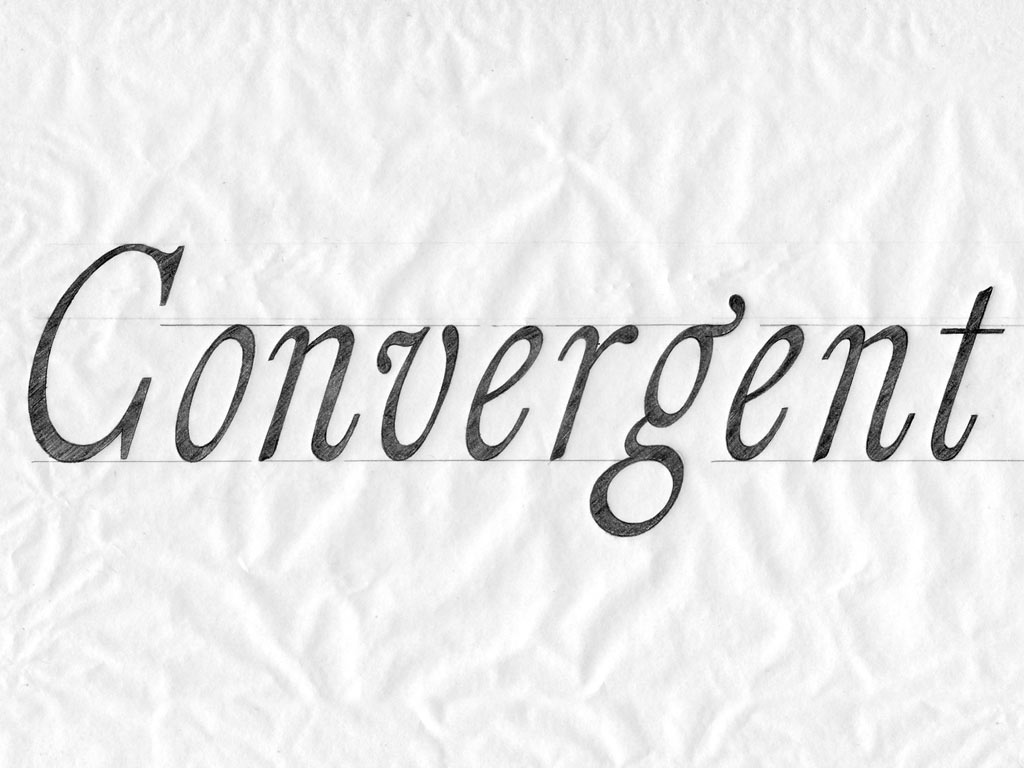
At this point, I created a revised pencil drawing focusing on defining the spacing and perfecting the letterforms. The sketch below introduces a subtle, wavy detail added to the stem tips.
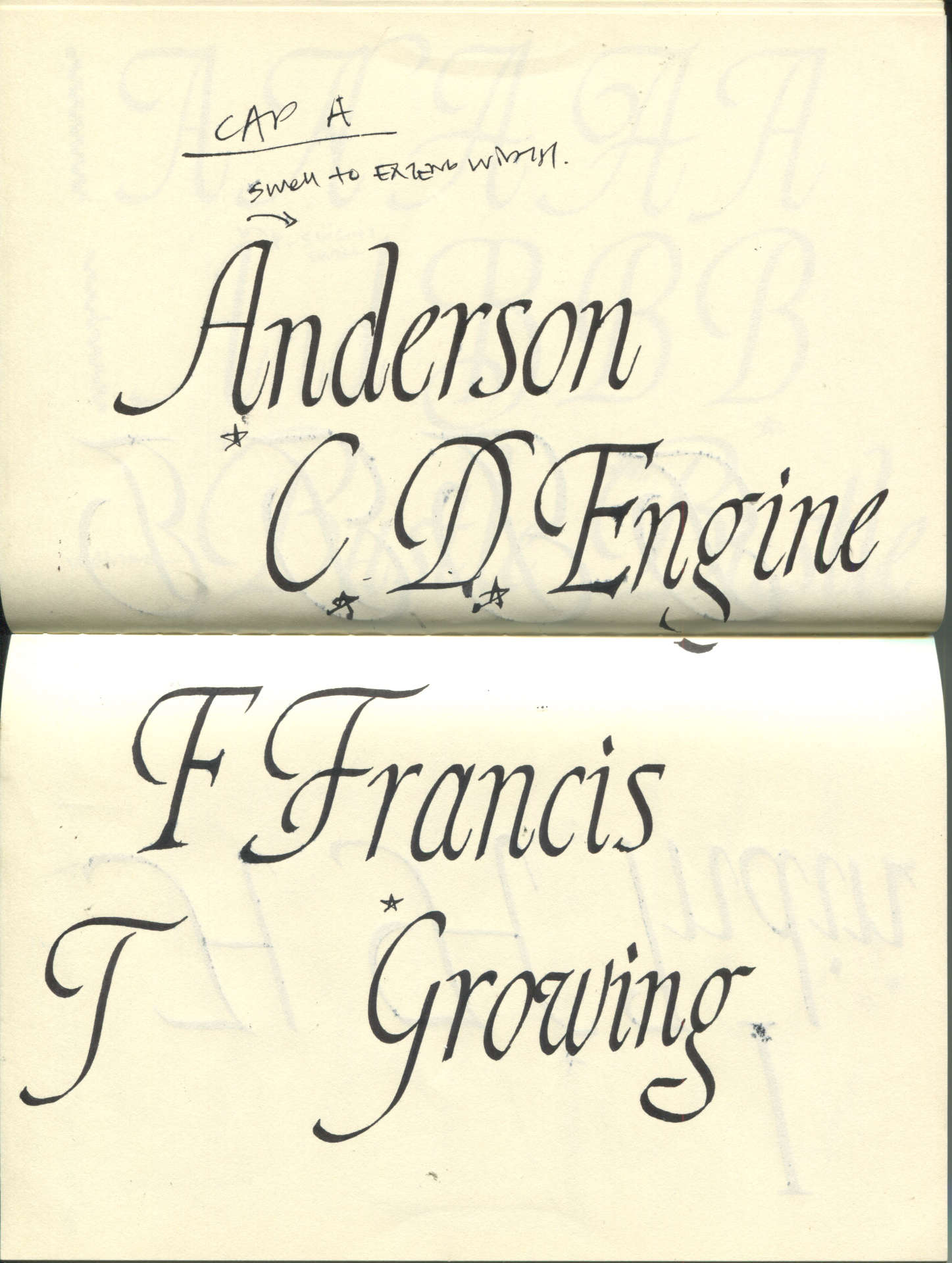
Using the revised pencil illustration above as a reference, I traced the lowercase forms. Then, I designed an uppercase set, numbers, and basic symbols that complemented the slightly narrow proportions of the lowercase letters (see below).
Inspired by the earlier ‘Pivot Points’ calligraphy, I added a subtle detail that emerges from the letterforms in both the standard uppercase and lowercase sets. To keep the standard set from feeling too complex, I limited this detail to just the A, Q, f, g and p.
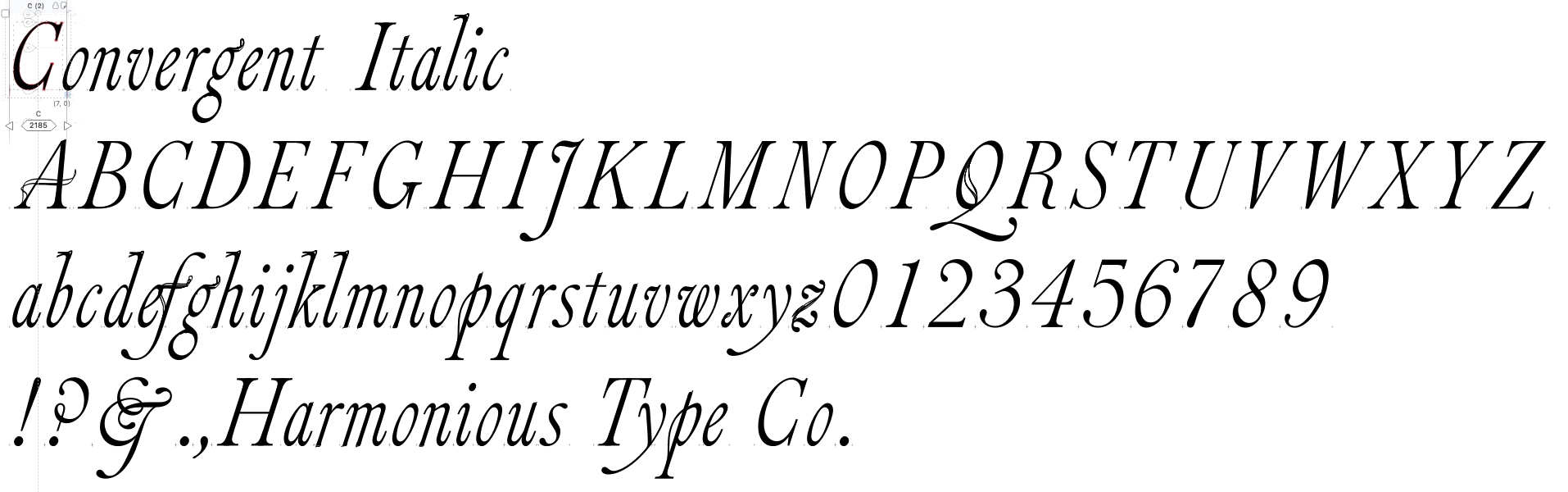
first round of vectorized forms in FontLab
Part 2. Font Development
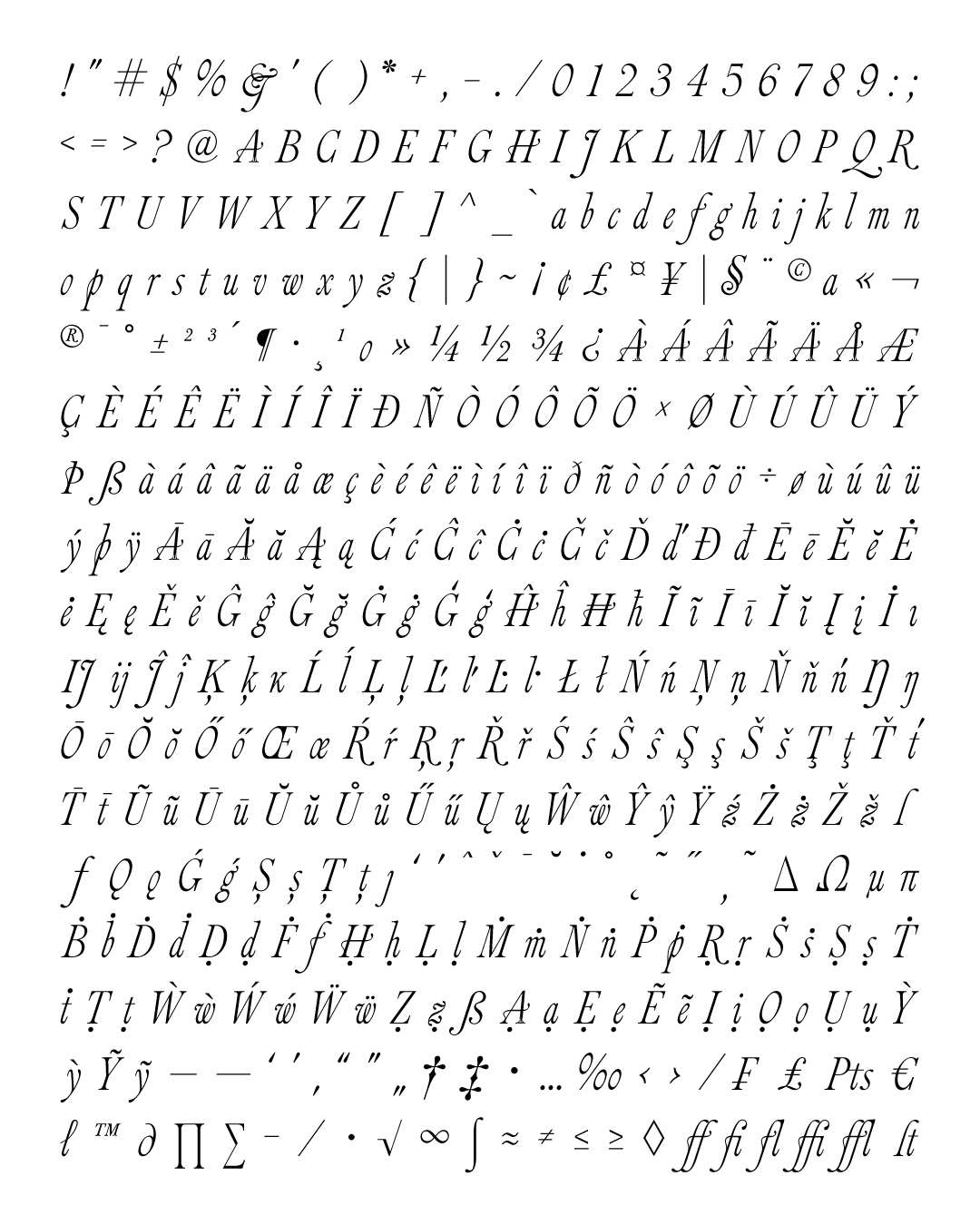
After the basic character set was complete, I expanded the font by designing symbols, diacritical marks, and basic ligatures for broader functionality and language support. At this point, the font included 462 glyphs.
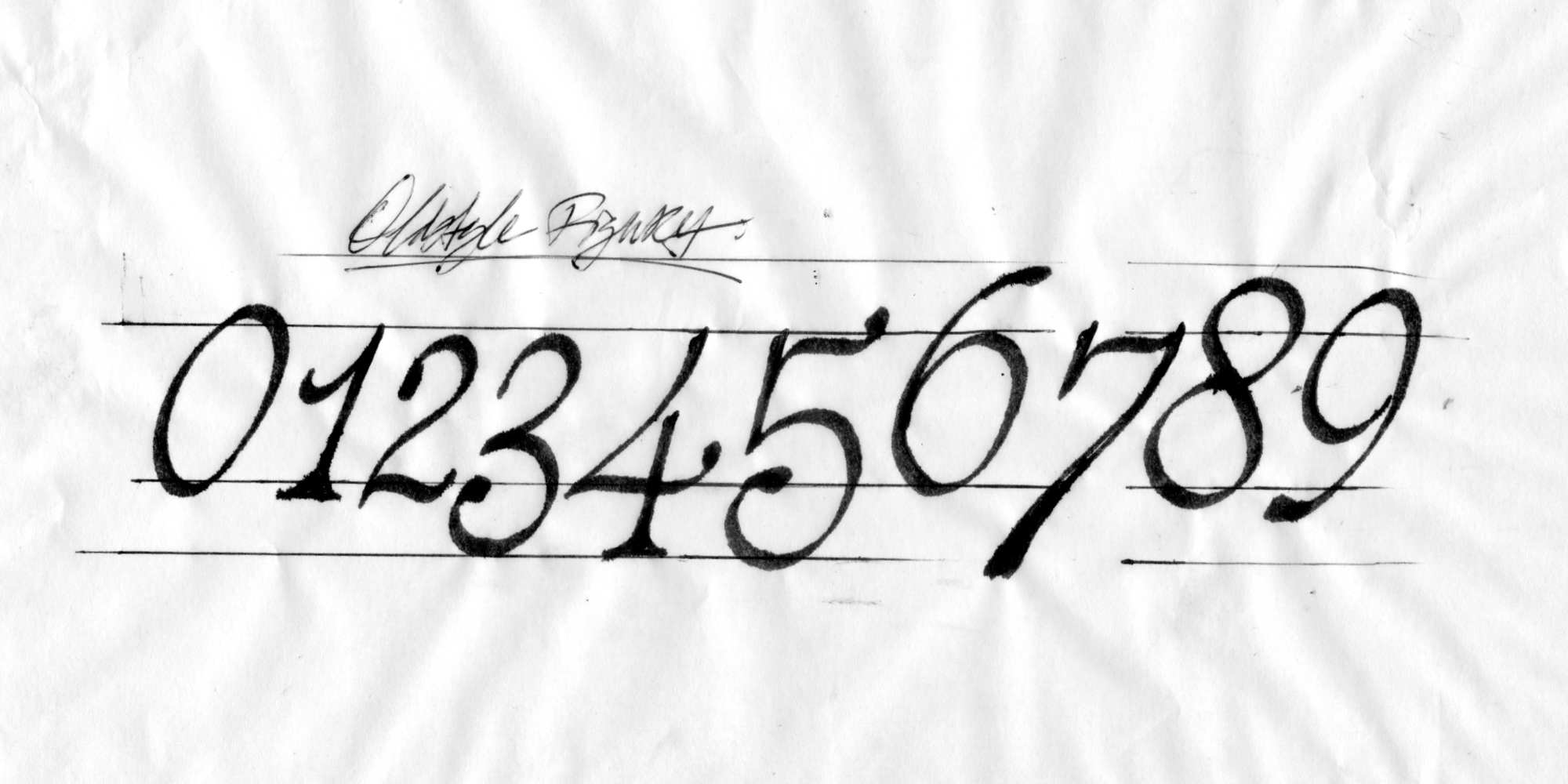
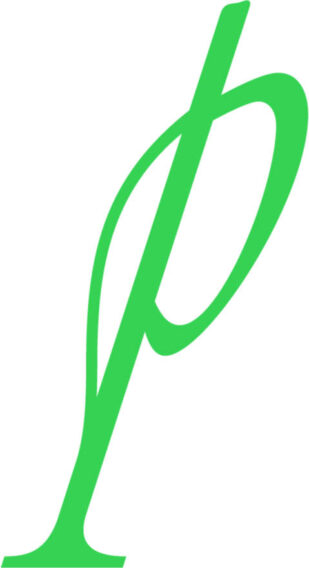 The next step was the part I had been looking forward to the most: the swash uppercase, lowercase, and oldstyle numerals. The lowercase p served as the stylistic foundation for this part of the process.
The challenge was to figure out how to add detail to each form in a way that felt natural while still connecting back to the earlier ‘Pivot Points’ calligraphy—where the detail wraps around or flows into the standard letterform.
Using a broad pen and ink, I started exploring swash options as well as a set of oldstyle numerals.
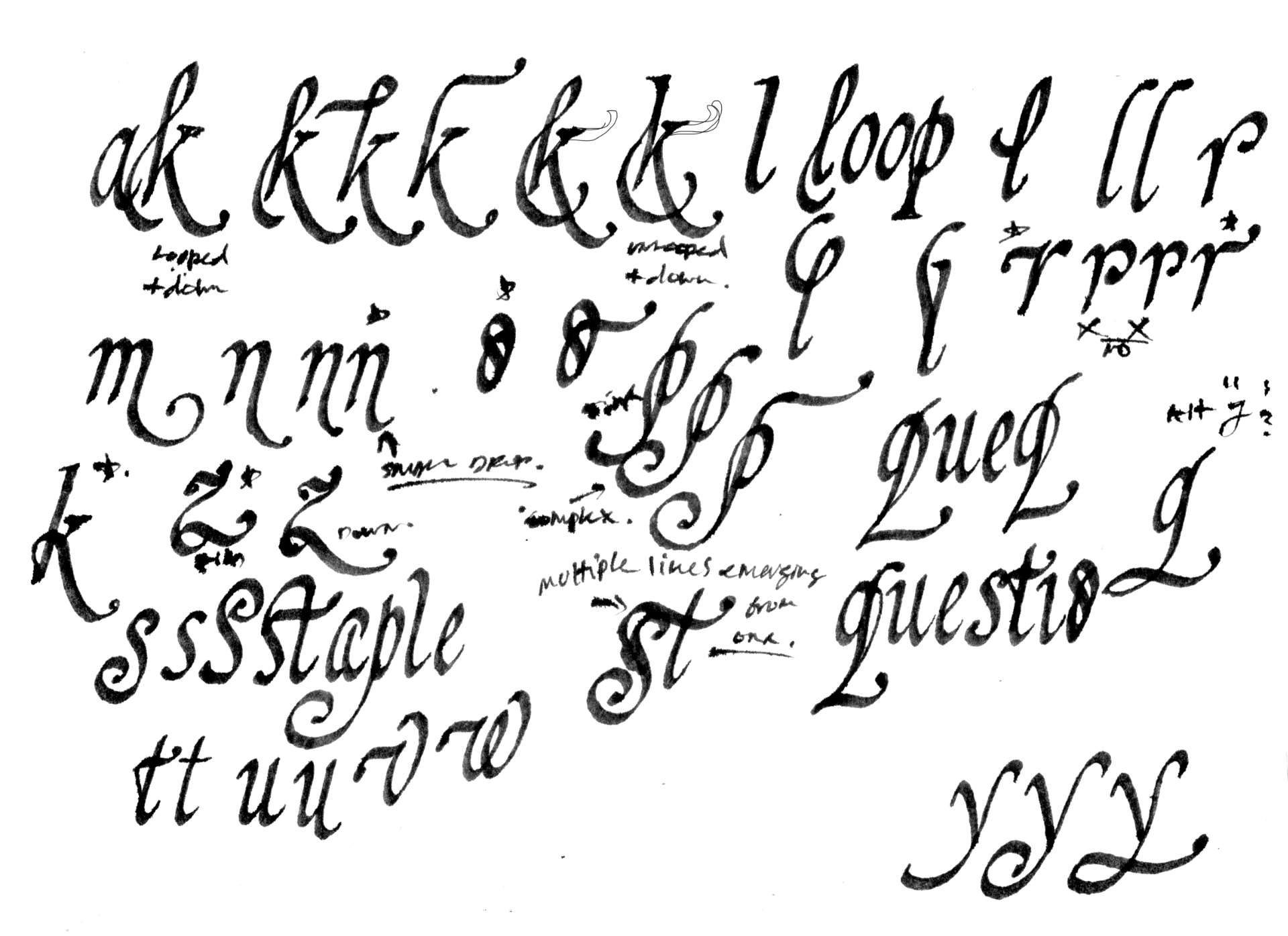
Once I got a feel for how each letterform could benefit from a decorative element, I printed out the standard character set to sketch swash options directly over it. This ensured the new swash forms would remain consistent with the original proportions and structures.
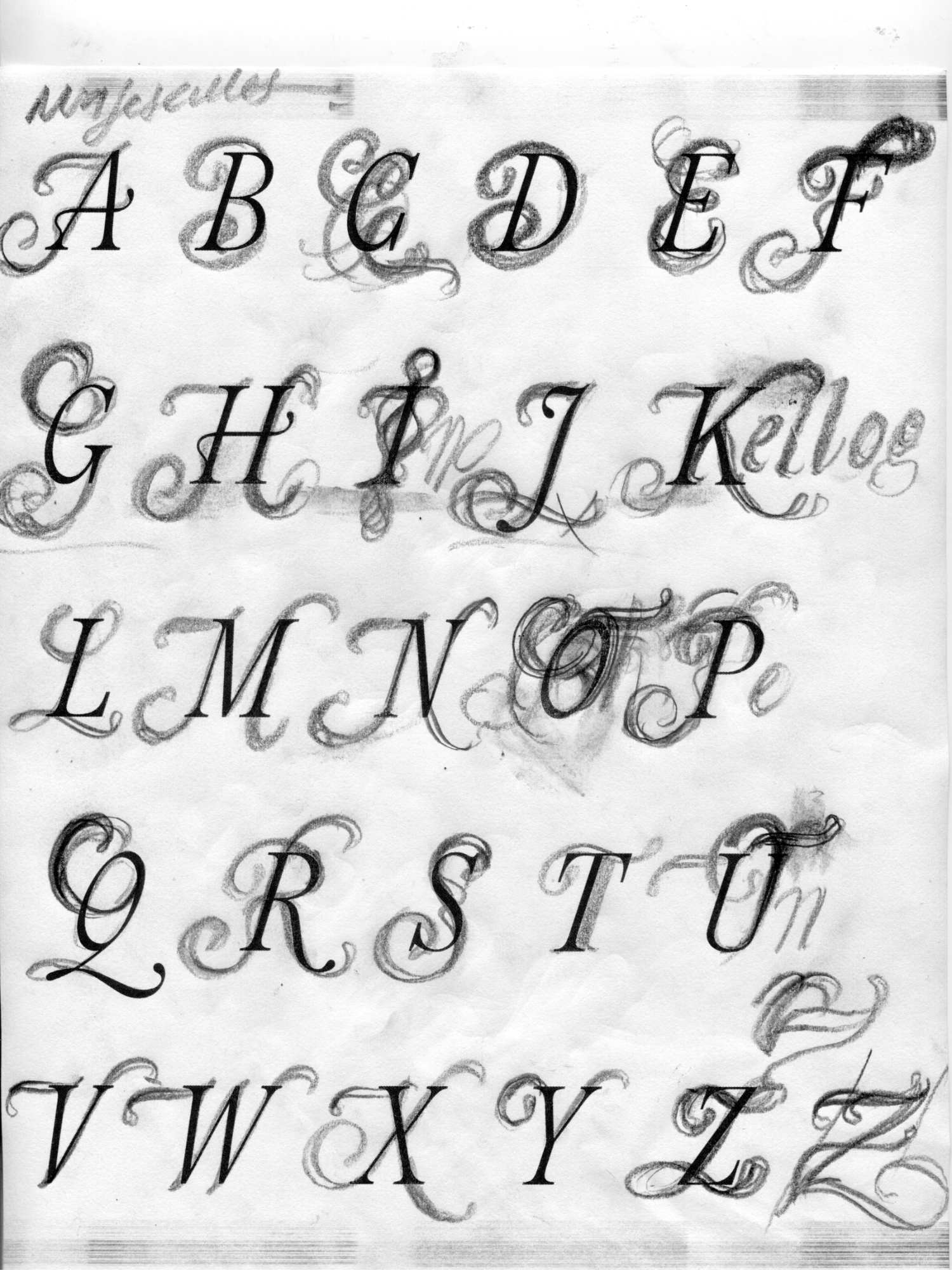
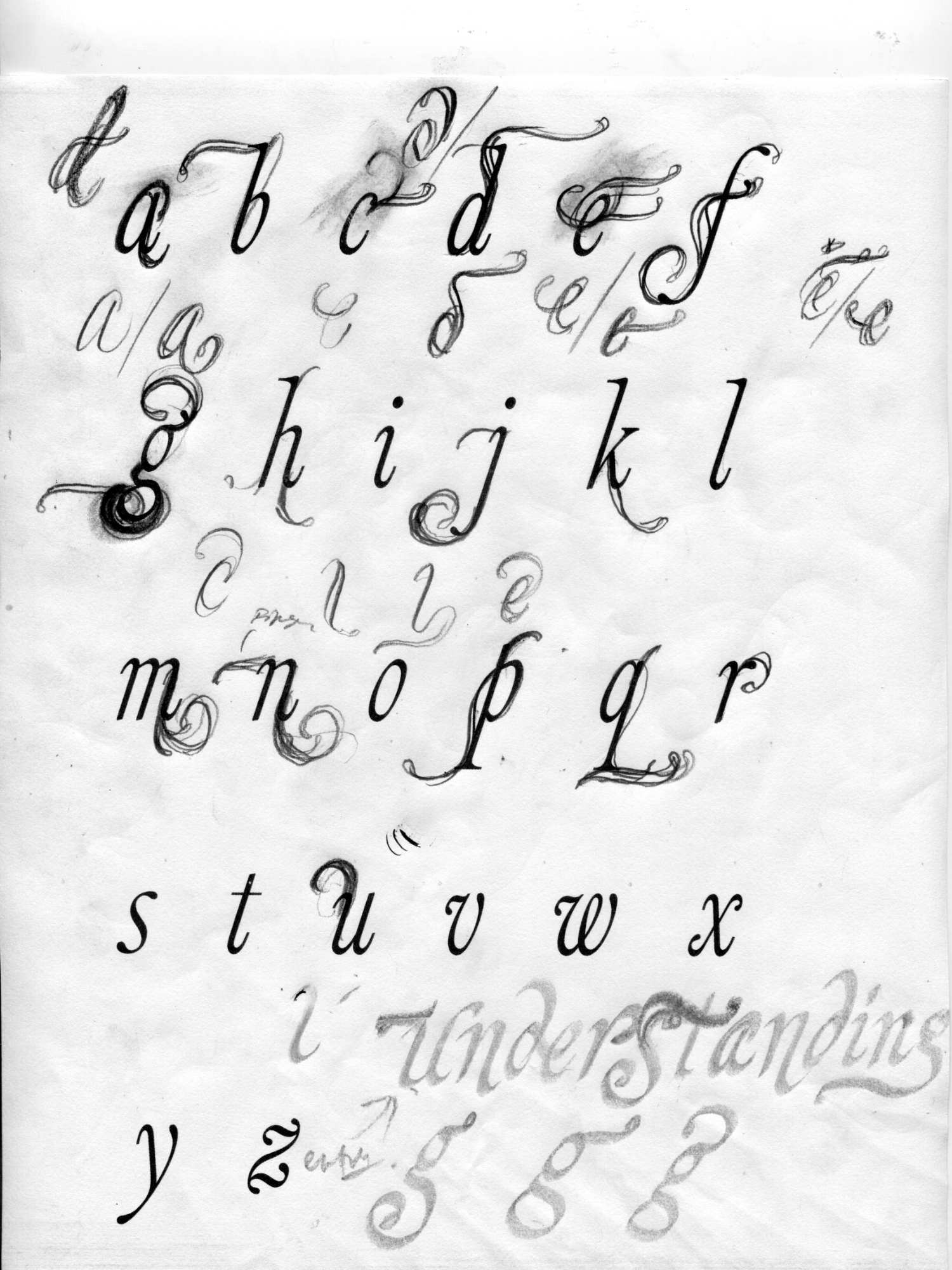
I worked through the uppercase and lowercase sets, exploring every structural variation I could imagine.
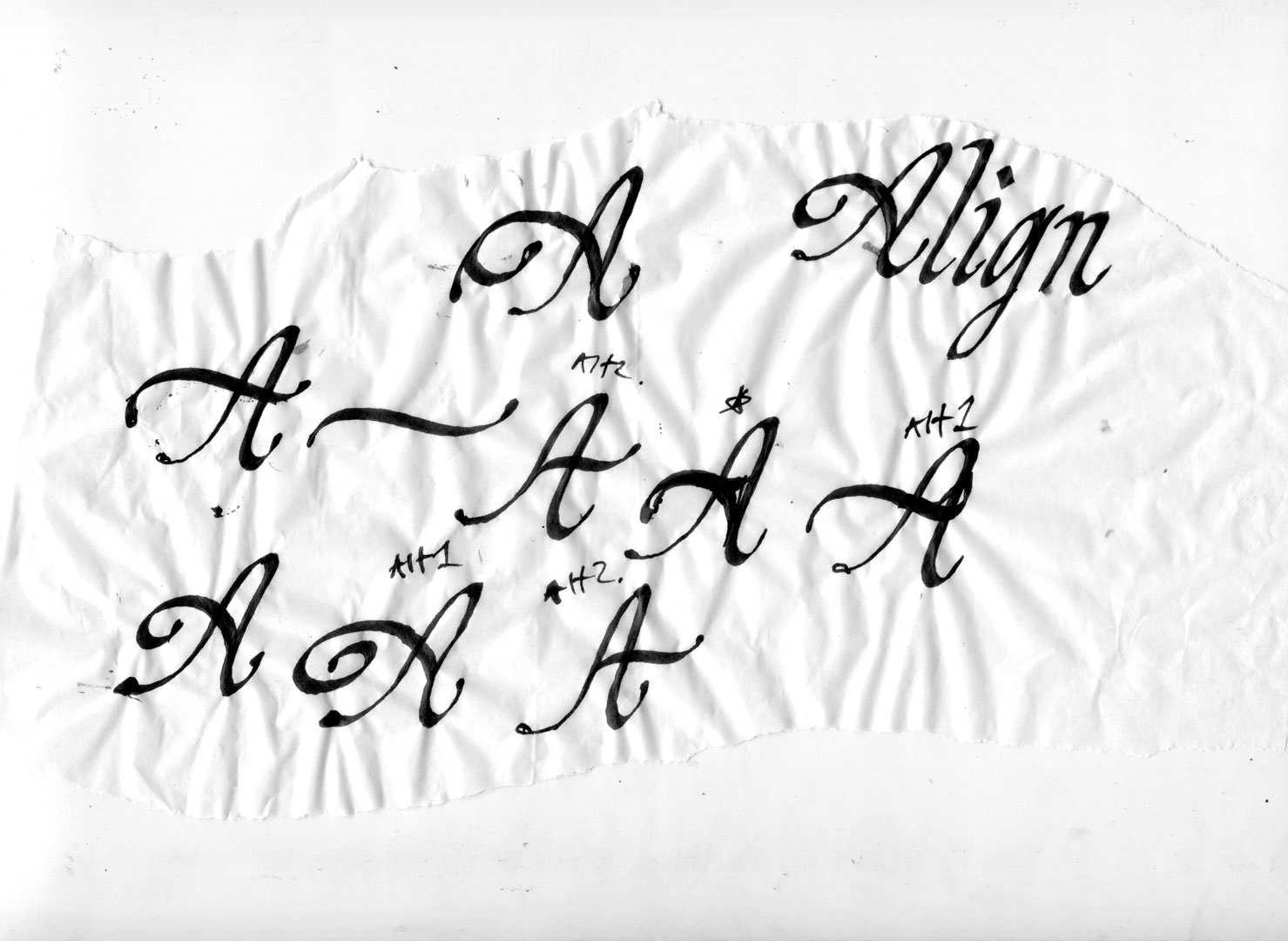
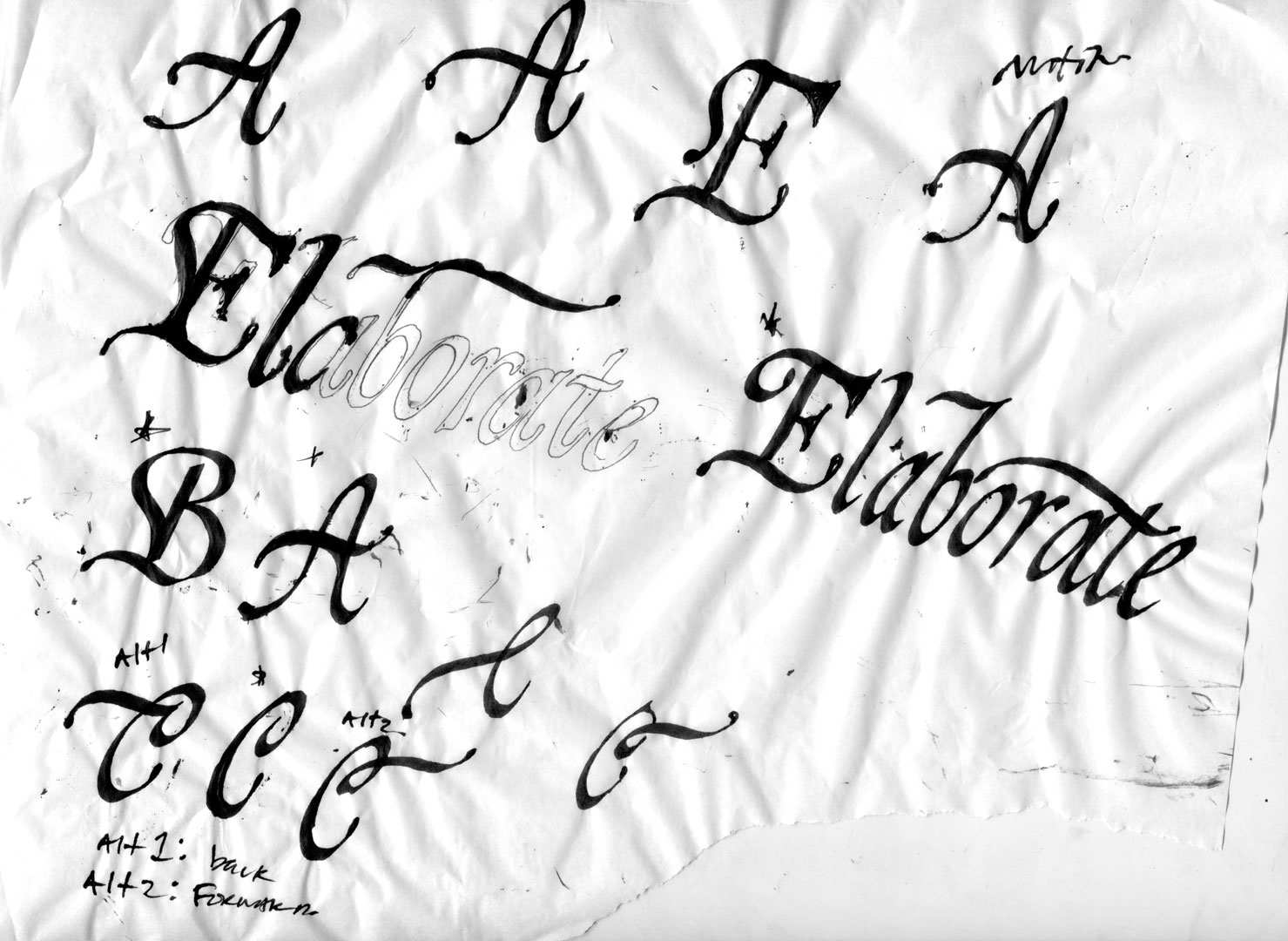
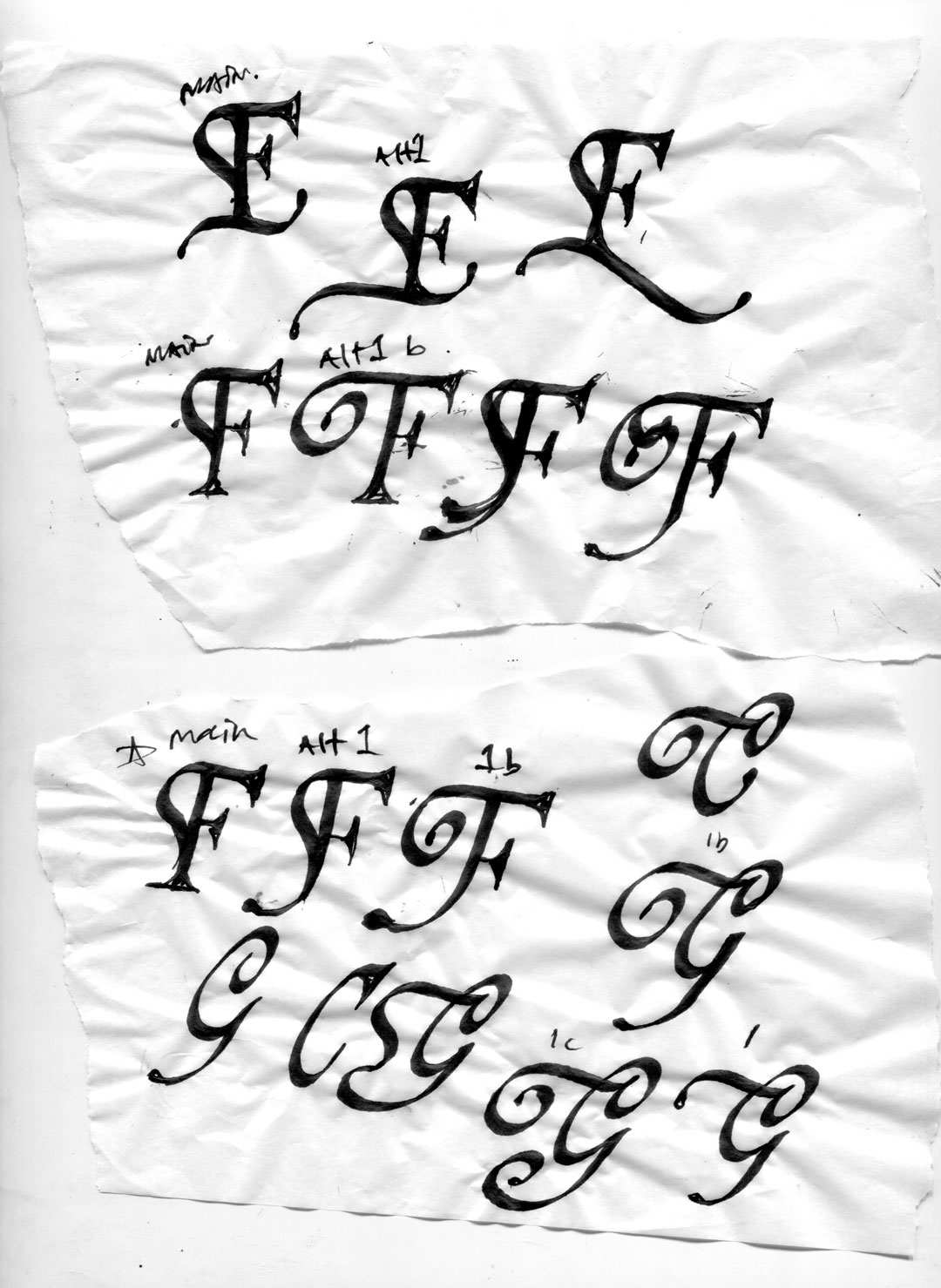
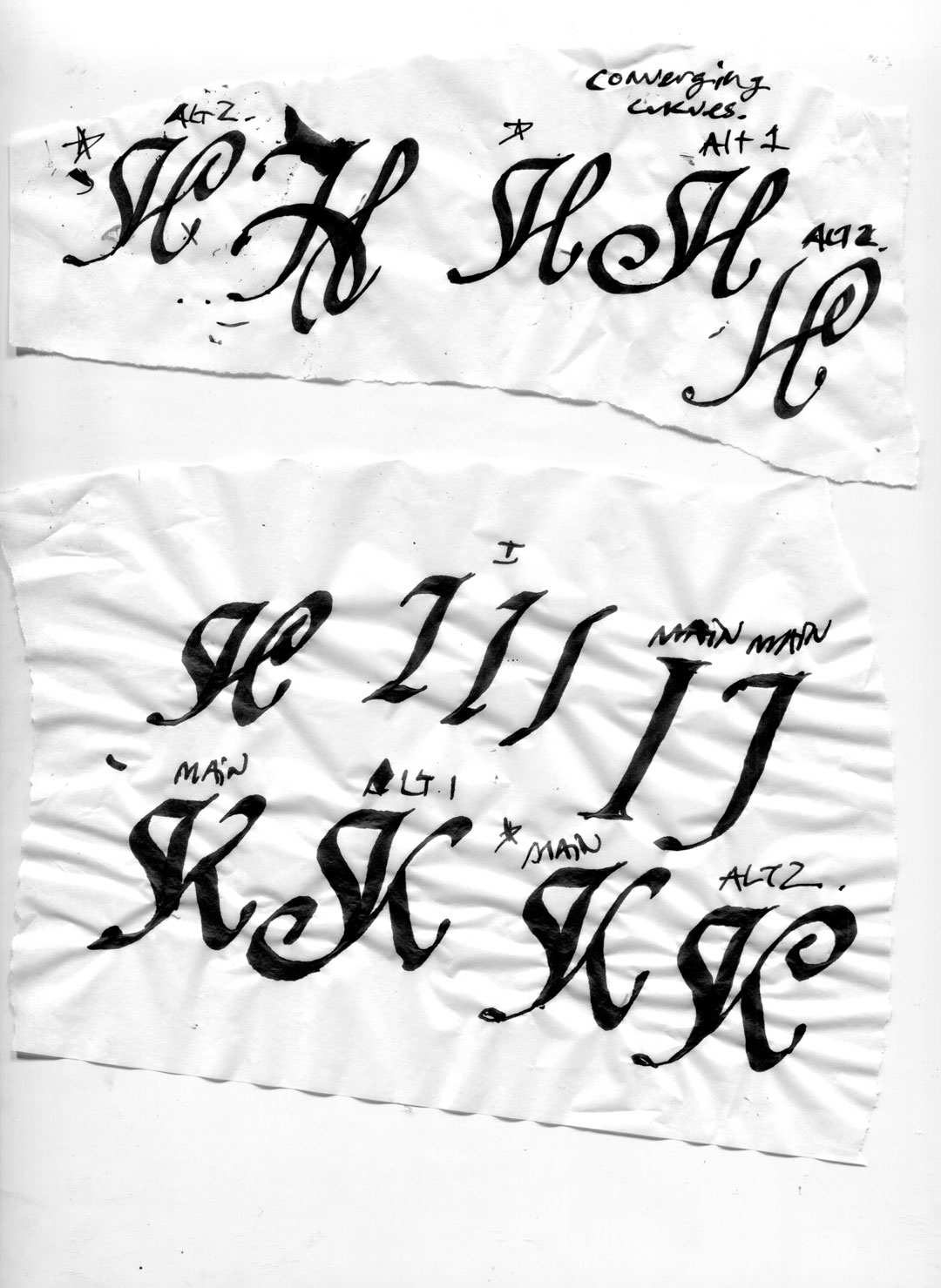
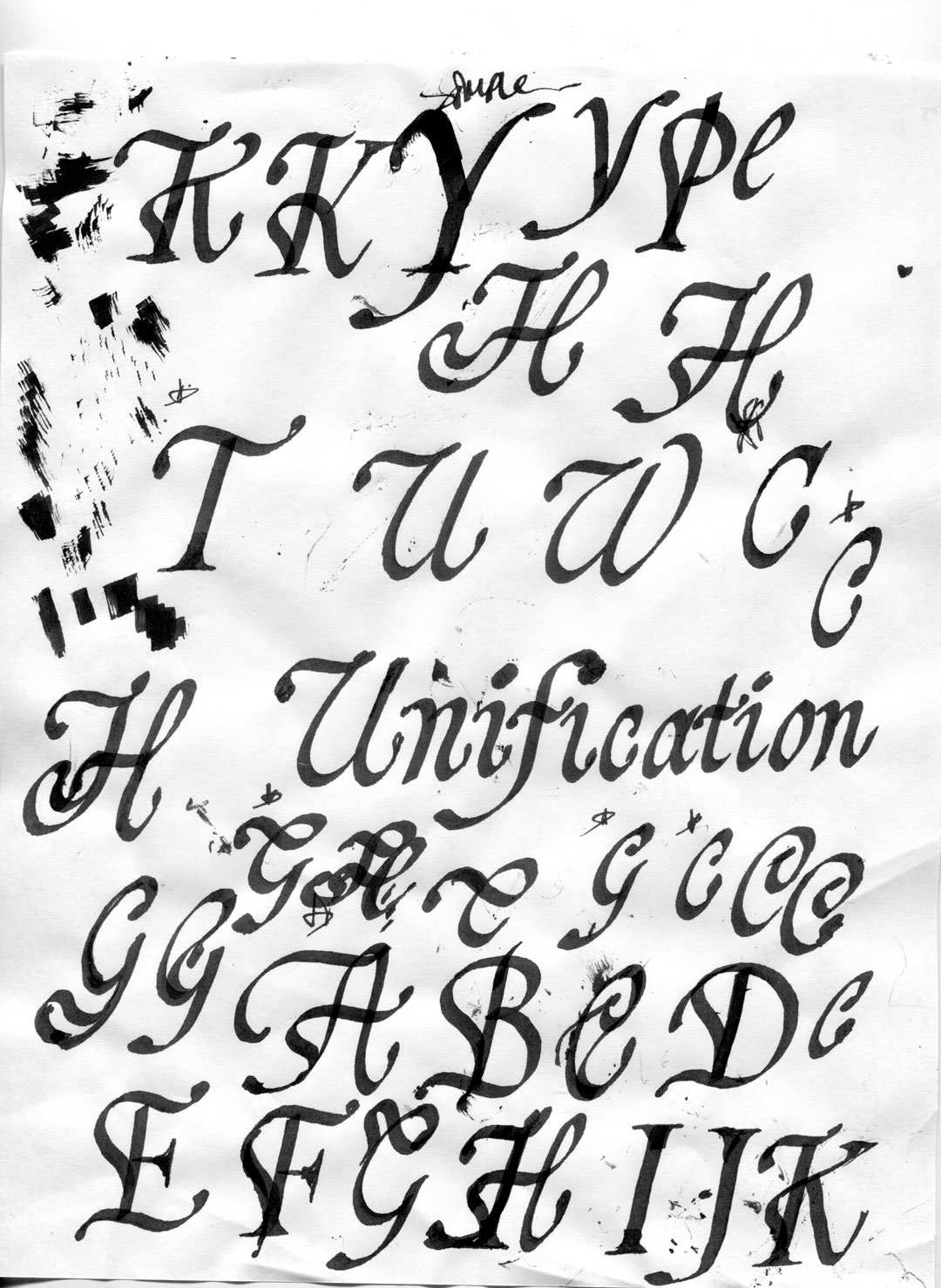
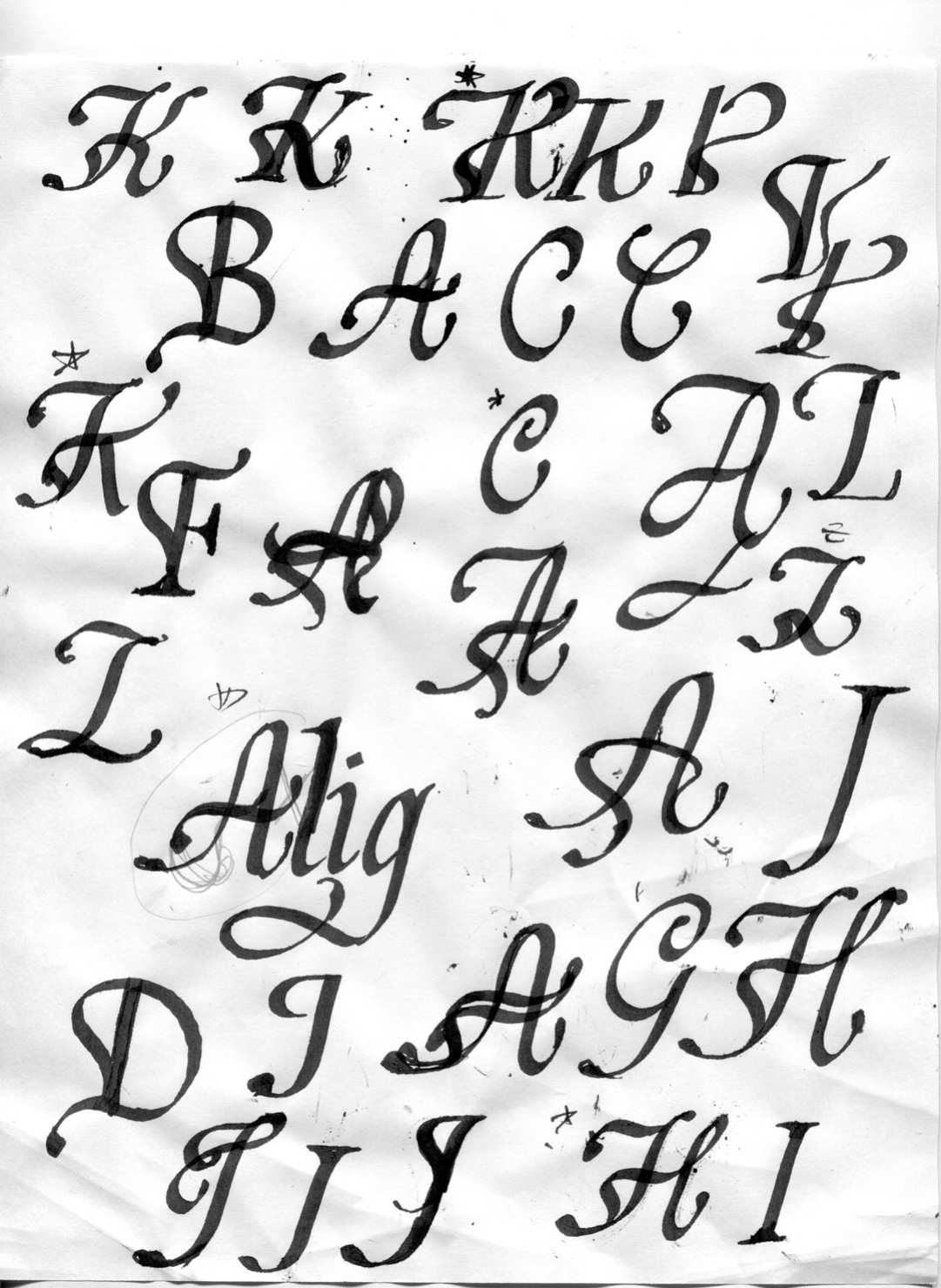
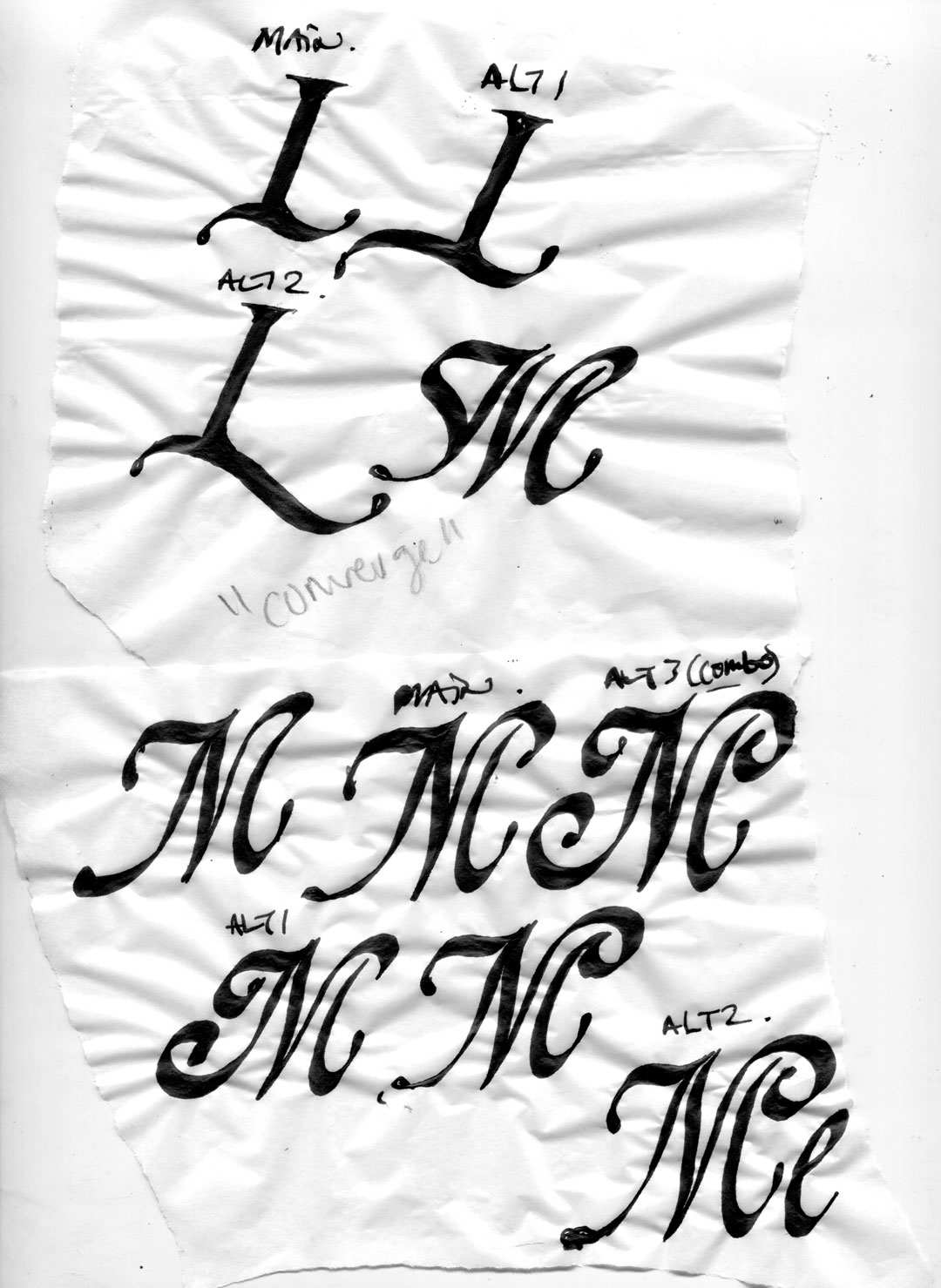
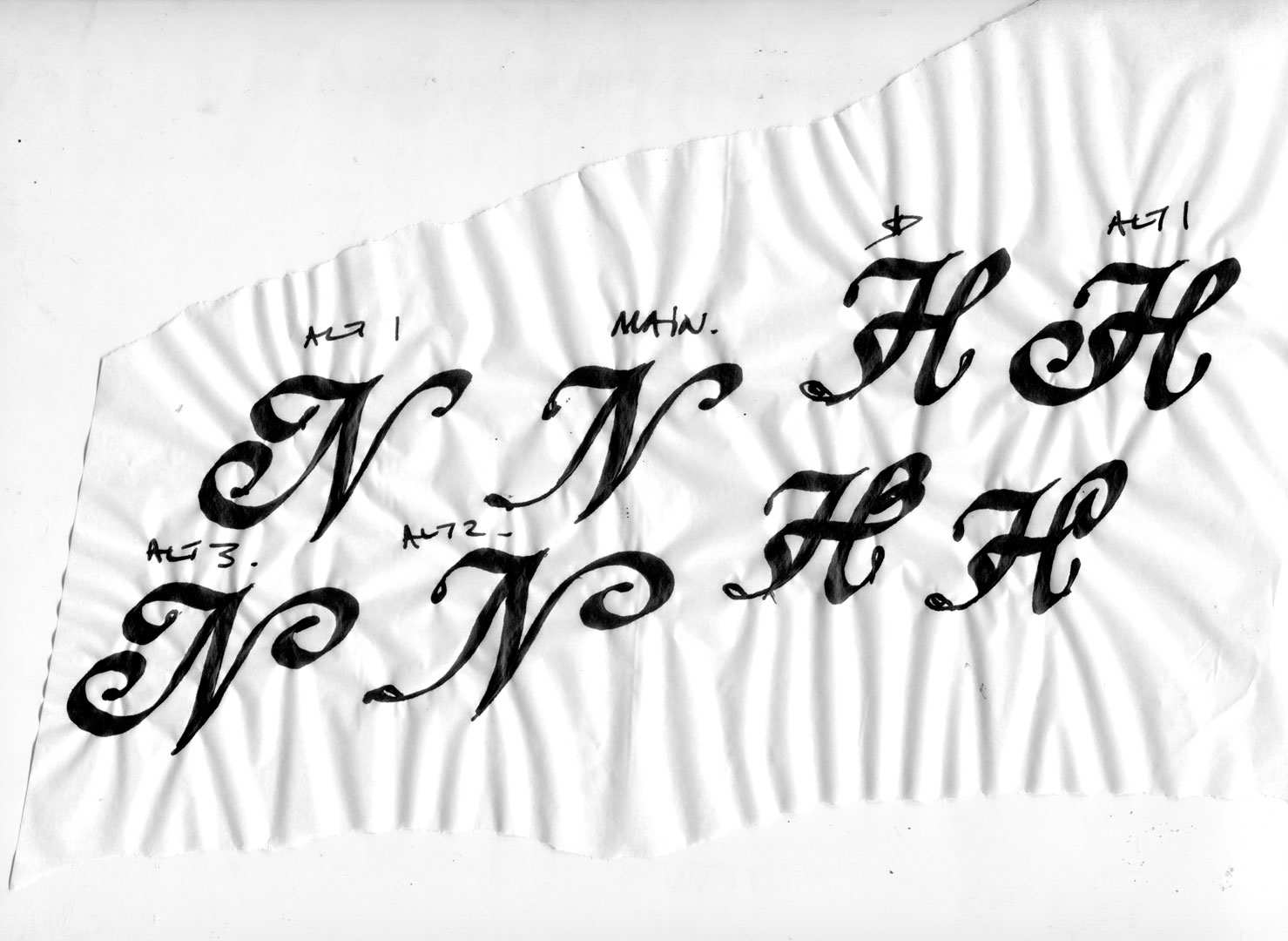
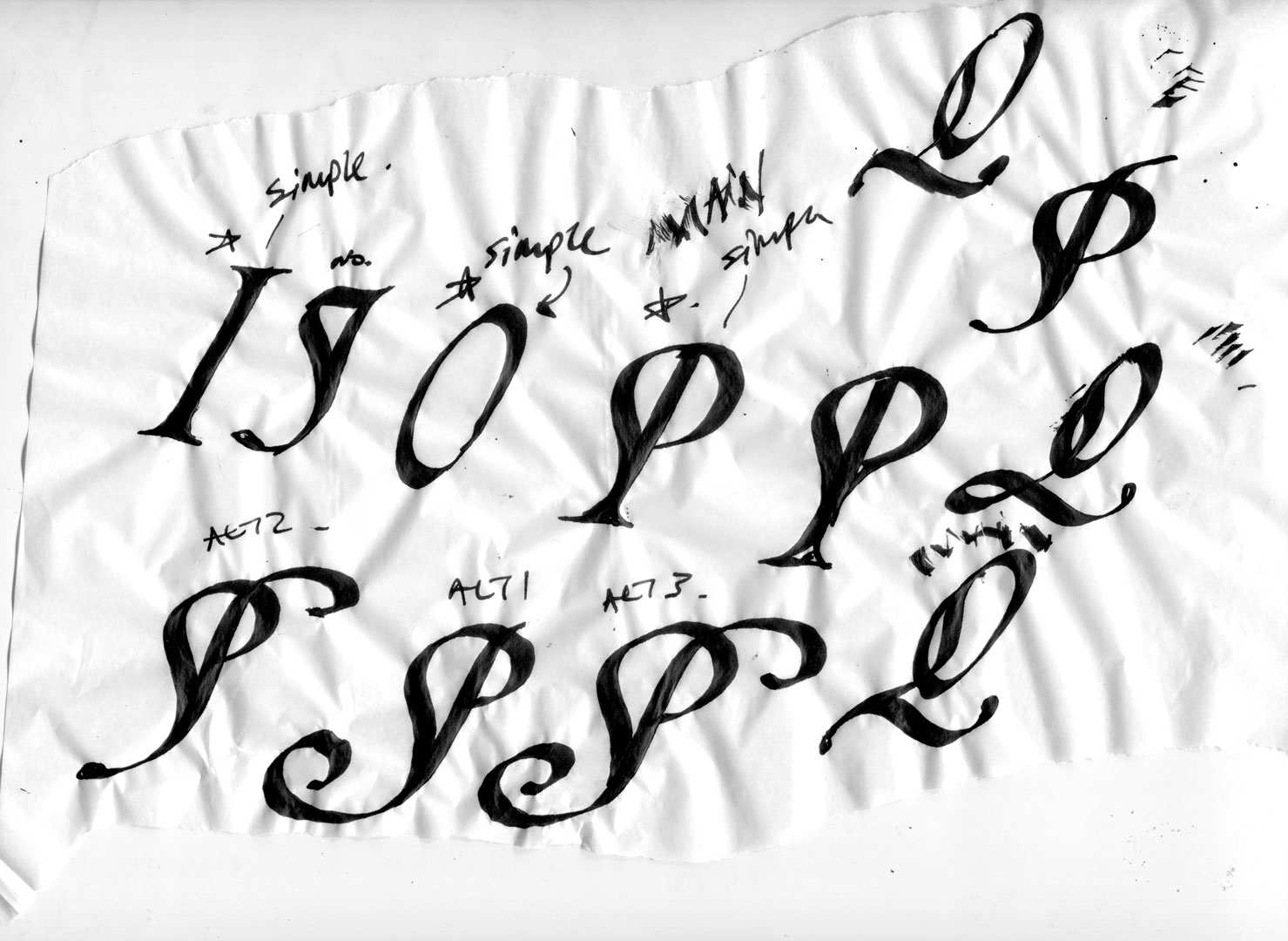
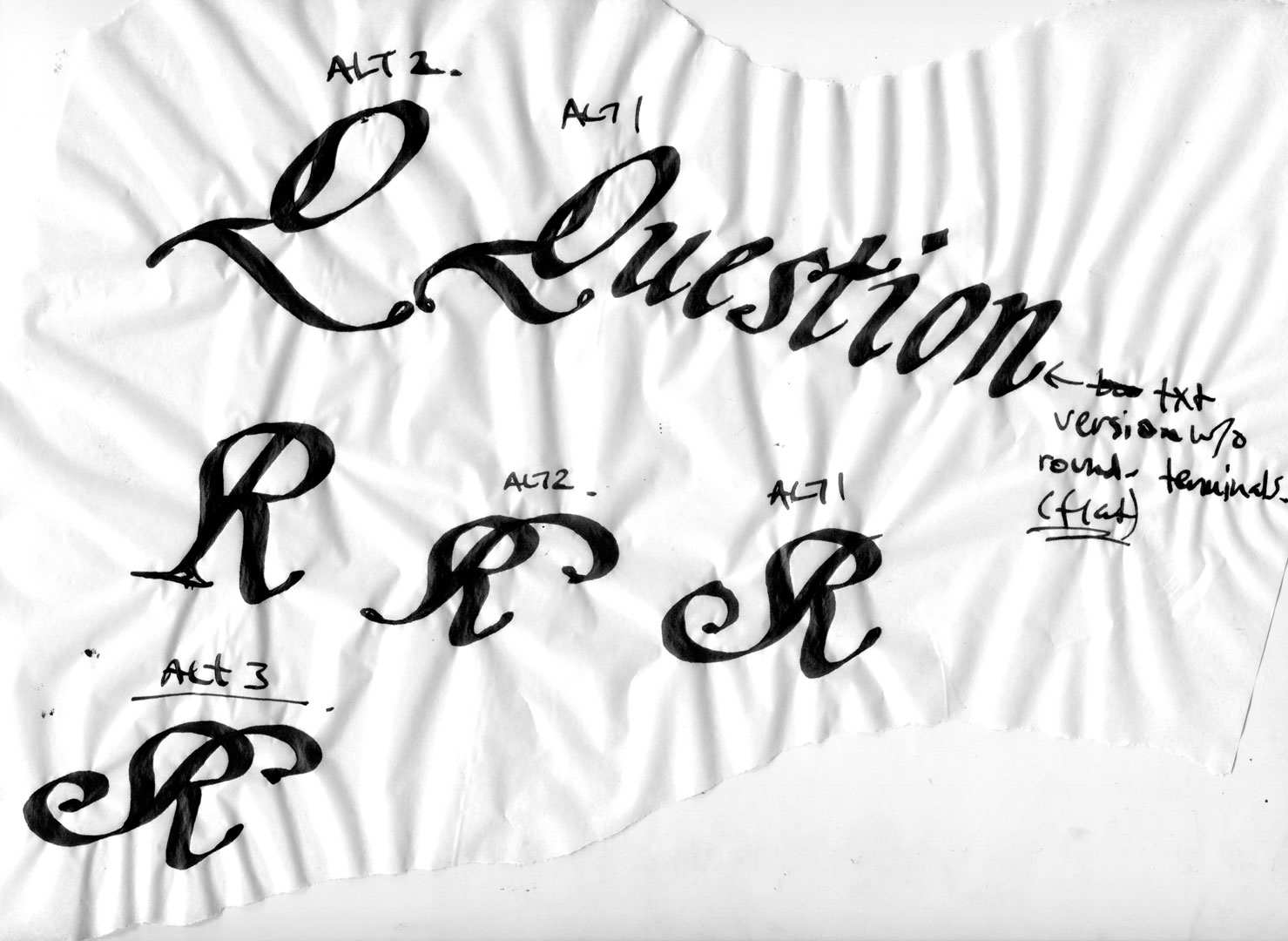
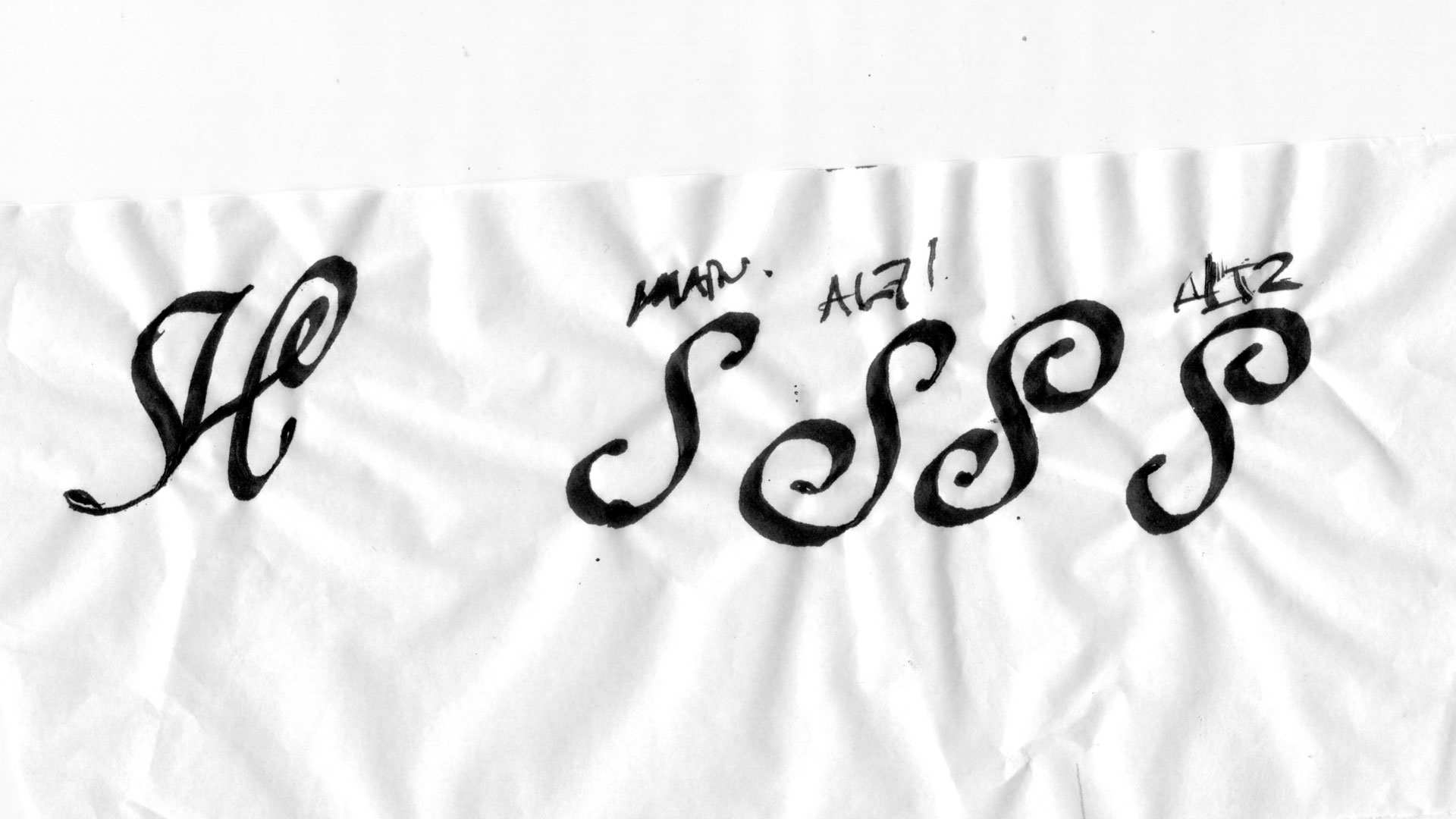
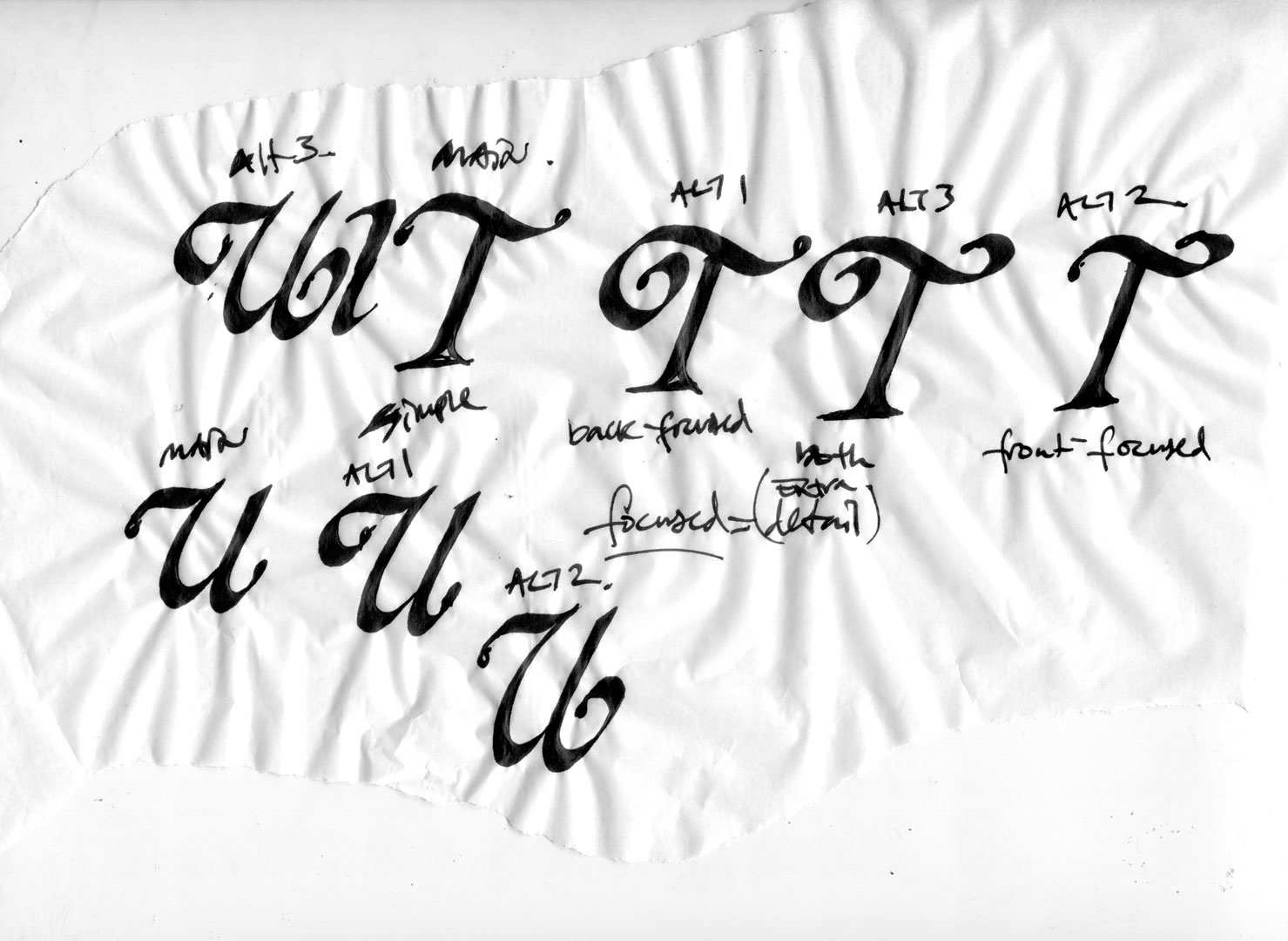
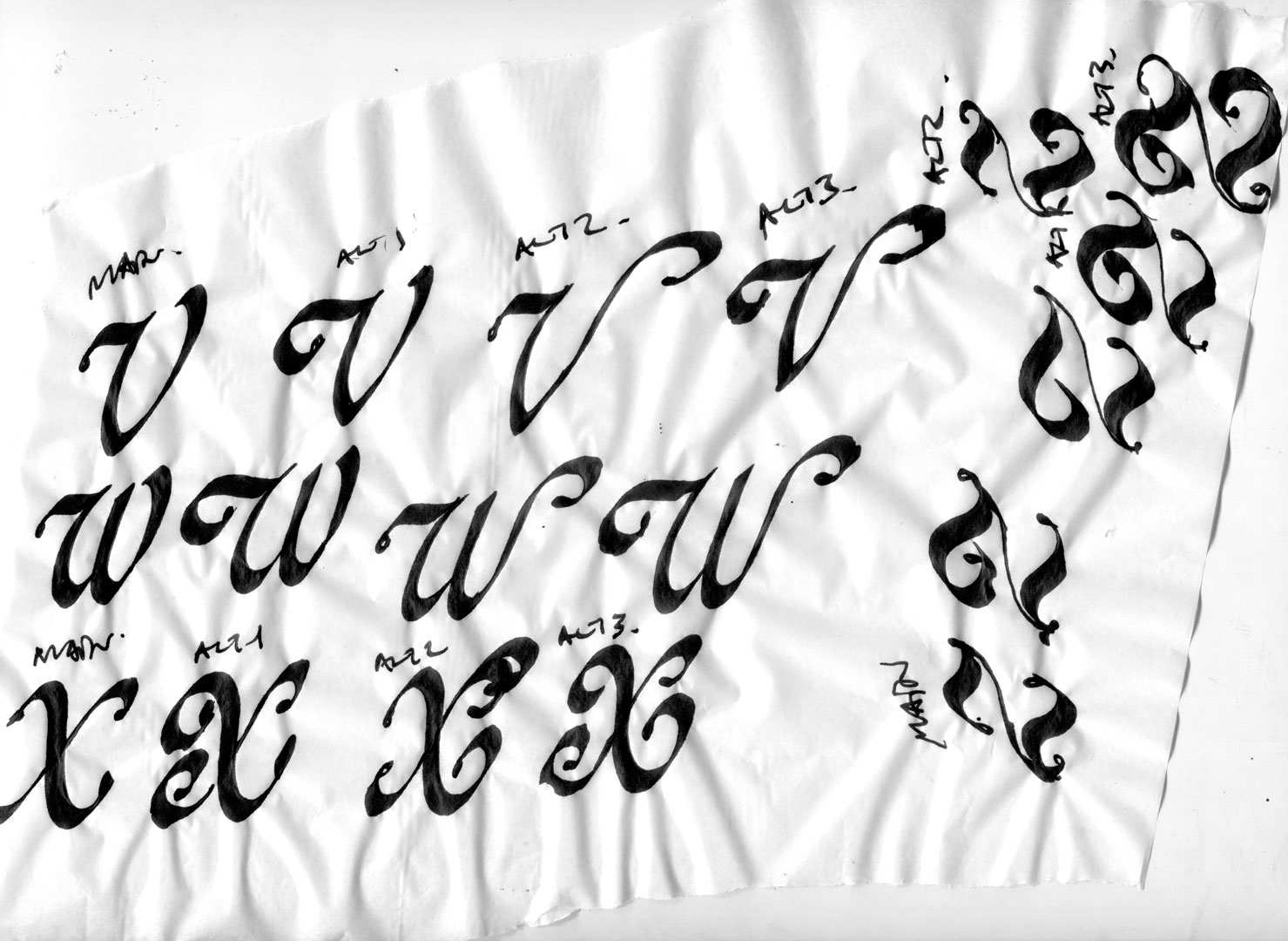
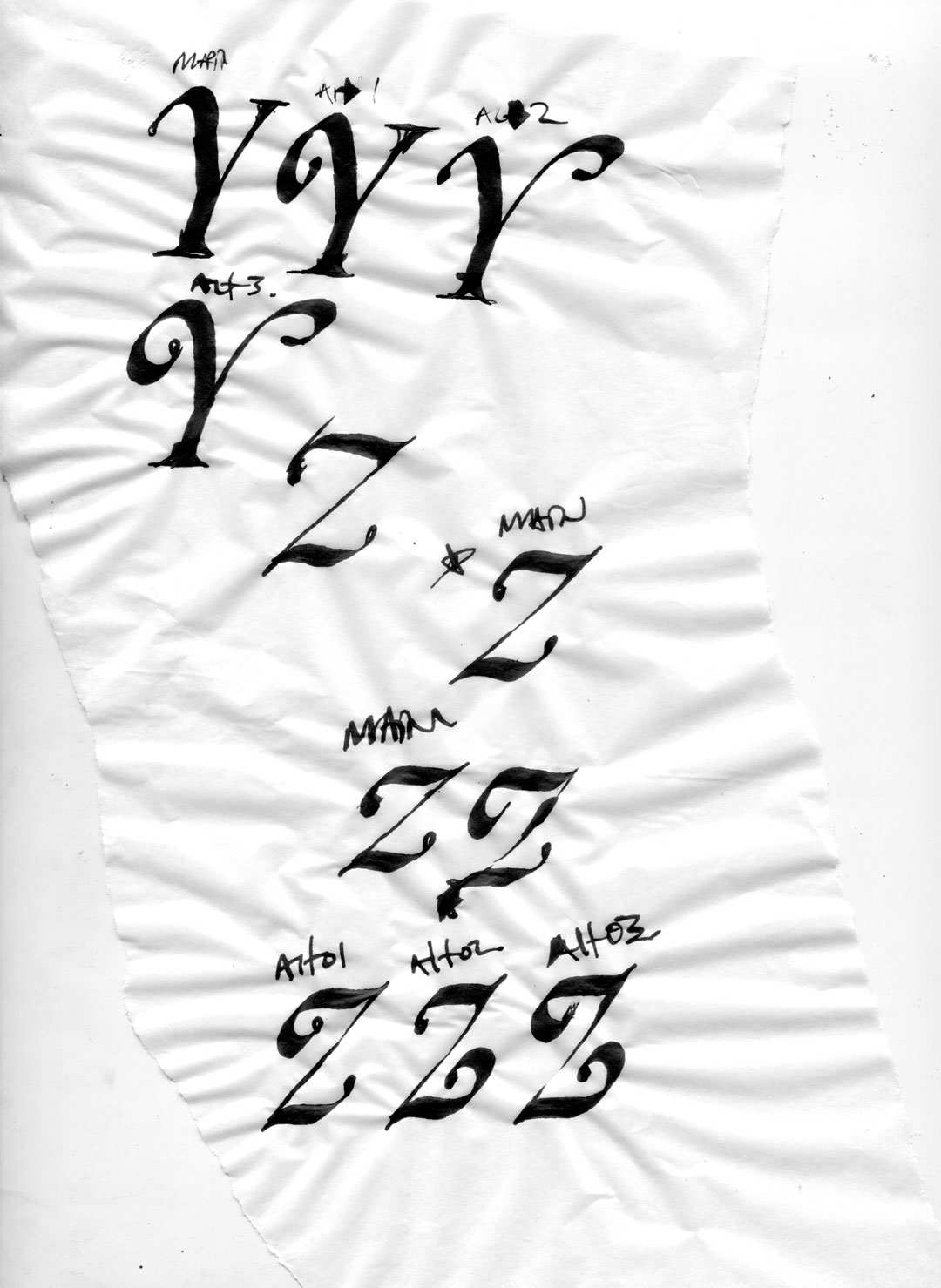
I ran my stack of inky iterations through the scanner, imported them into image editing software, removed the backgrounds, and quickly touched up the lines. Gathering all the options into a single document without distracting background textures made the selection process much easier. These clean, single-color images also served as ideal tracing templates for vector drawing.
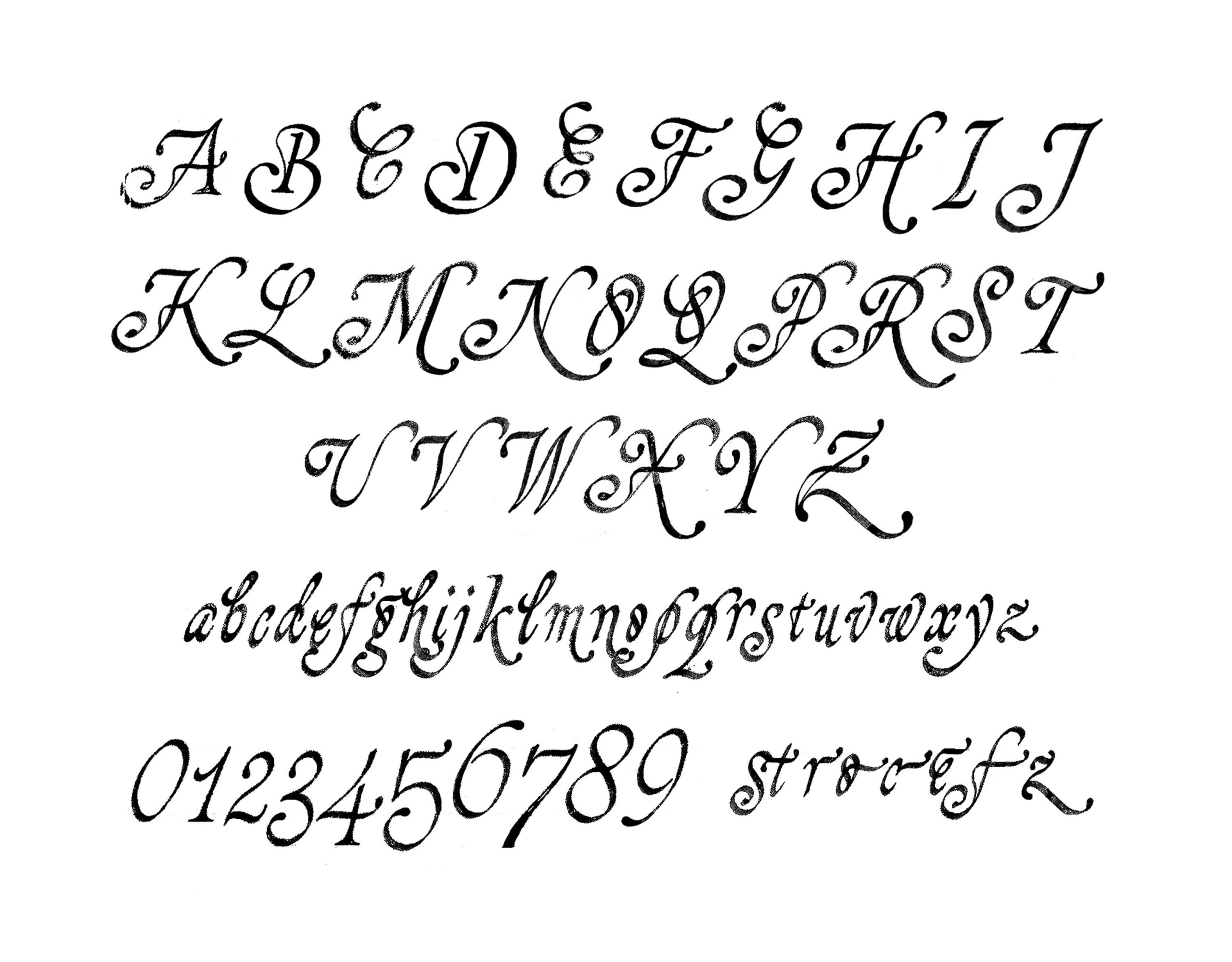
Using the black-and-white images above, I traced the glyphs, imported them into the font software, and expanded the kerning to include the swash sets. To make it easy to access to swash forms, I programed in six OpenType features that can be toggled on and off.
OpenType Features
ss01 – Swash Uppercase:
Converts standard uppercase to swash.
ss02 – Non-swash Uppercase Series:
Back-to-back swash uppercase are converted into standard characters to avoid complexity.
ss03 – Swash Lowercase Following Uppercase:
When a lowercase character follows an uppercase, it is replaced with a swash form, adding complexity near the beginning of words.
ss04 – Swash Lowercase Beginning Each Lowercase Word:
Words beginning with lowercase receive swash character at start.
ss05 – Swash Lowercase Ending Each Word:
Words ending with lowercase receive swash character at end.
ss06 – Swash v and w:
Replaces standard v and w with swash characters.
liga – Standard ligatures
fi, ffi, ffl, and fl.
onum – Oldstyle numerals
Replaces standard v and w with swash characters.
To showcase different ways these features can be used, I created five specimen slides. The first slide below pairs a swash uppercase form with the standard lowercase. This gives the type a boost in detail while retaining legibility at small sizes—a look that can be achieved simply by enabling Stylistic Set 01 (ss01).
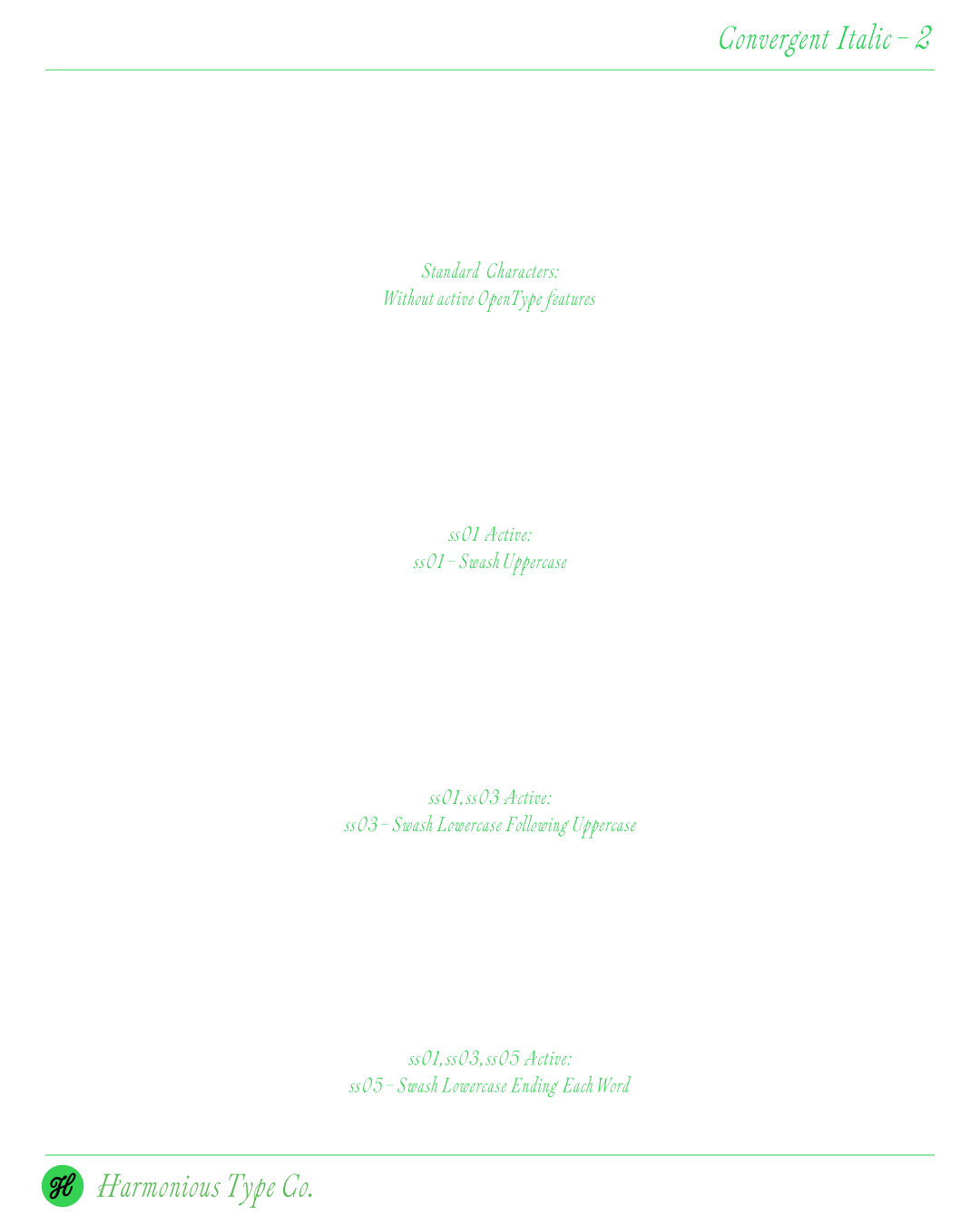
The slides below showcase the font’s versatility through a series of New York examples that incrementally progress from standard to swash glyphs.
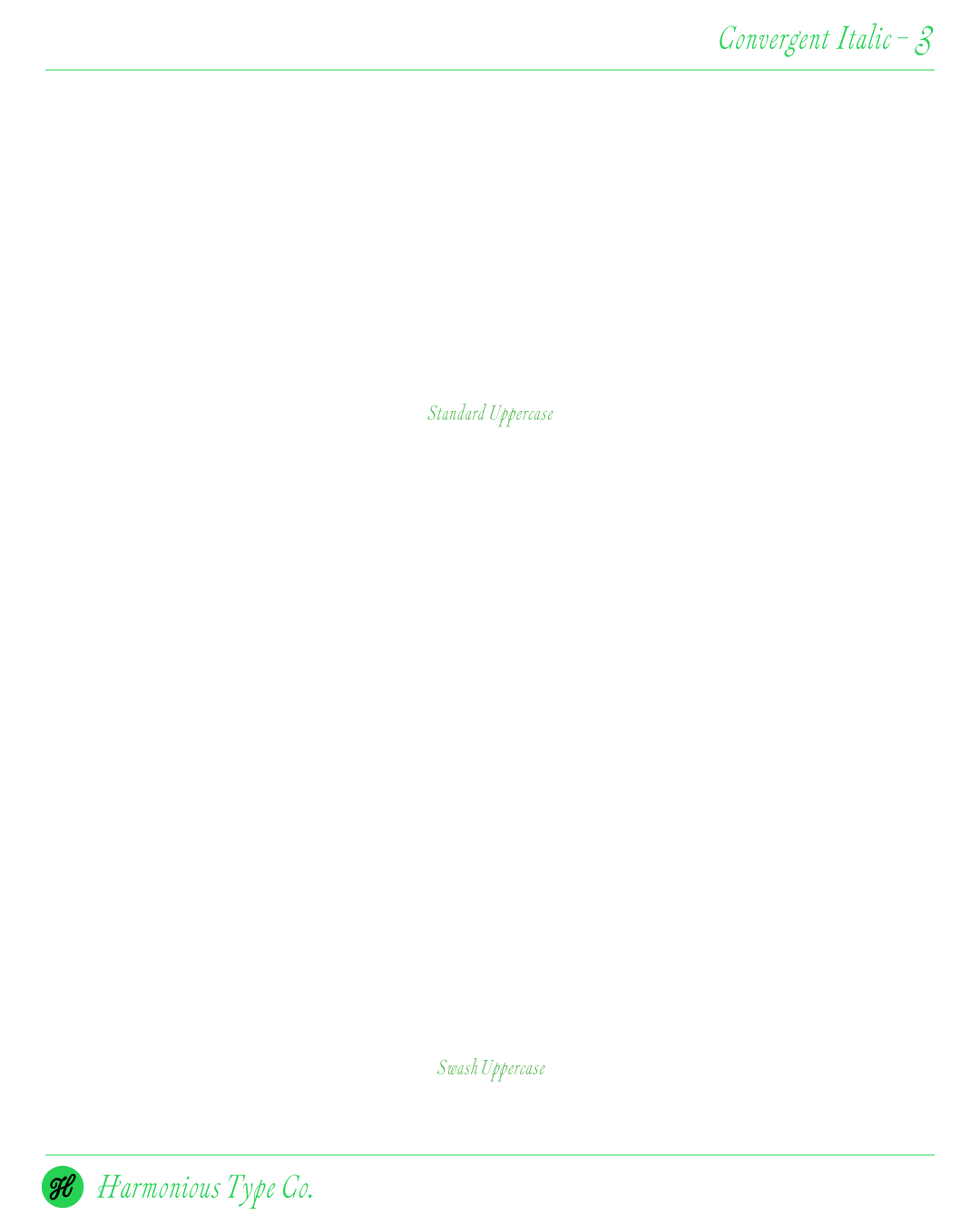
A side-by-side comparison of the standard uppercase forms and the swash variants, showing how the decorative features inject the characters with elegant and surprising details.
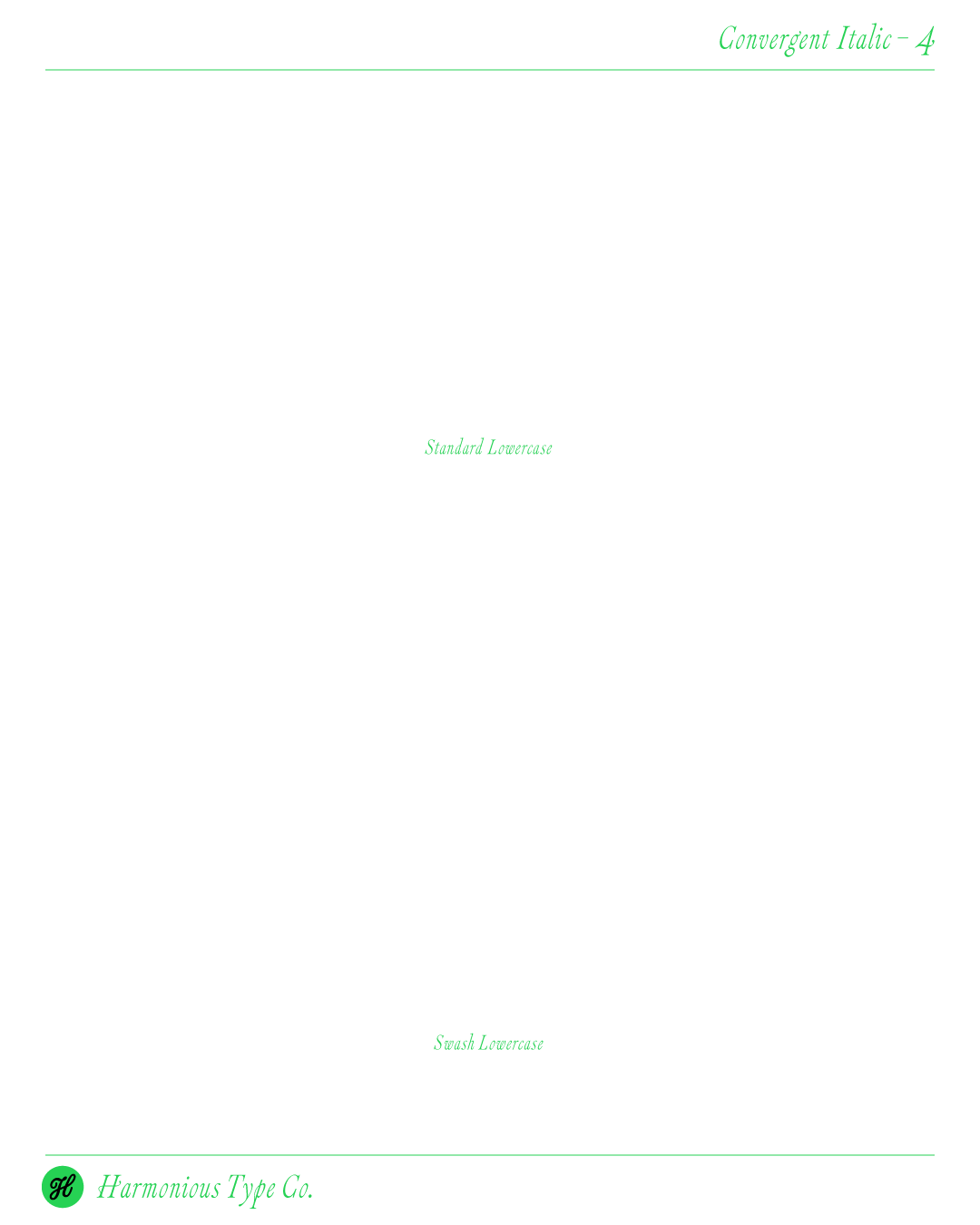
The lowercase swash set incorporates confident ascending and descending strokes that break up the horizontal monotony of the standard set.
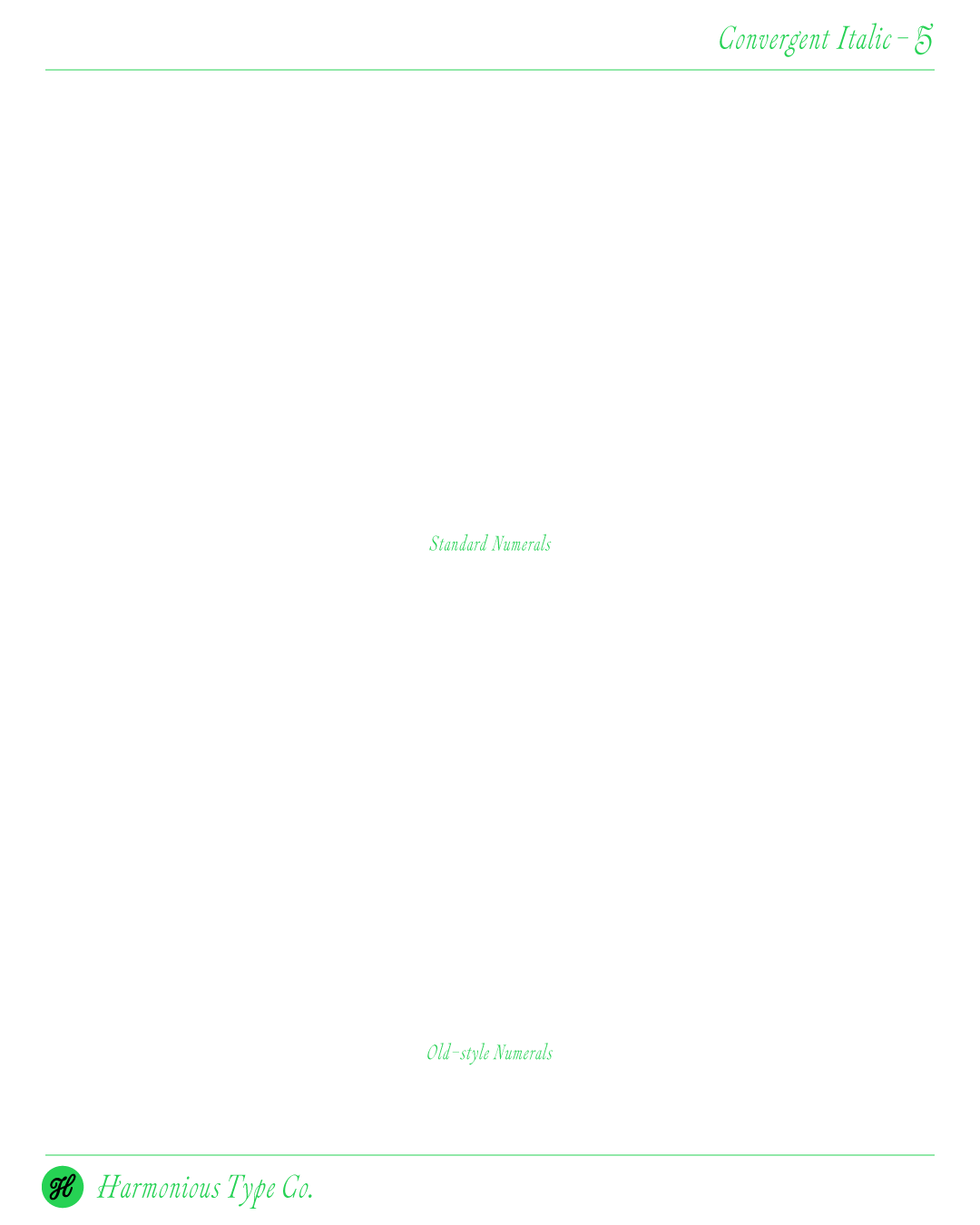
In comparison to the simpler standard numerals, the oldstyle numerals retain a graceful calligraphic tone, featuring detailed variations on the 0 and 5.
The next phase for Convergent Italic will involve expanding it into additional weights and developing a matching Roman companion. Thank you for reading—please follow the link below if you’d like to test out the font!